
Design professional menu cards online
Create professional menu cards for restaurants, cafés, bakeries, and other food businesses using ready-made layouts in Vani. Customize the menu items, prices, images, colors, and design to match your brand.
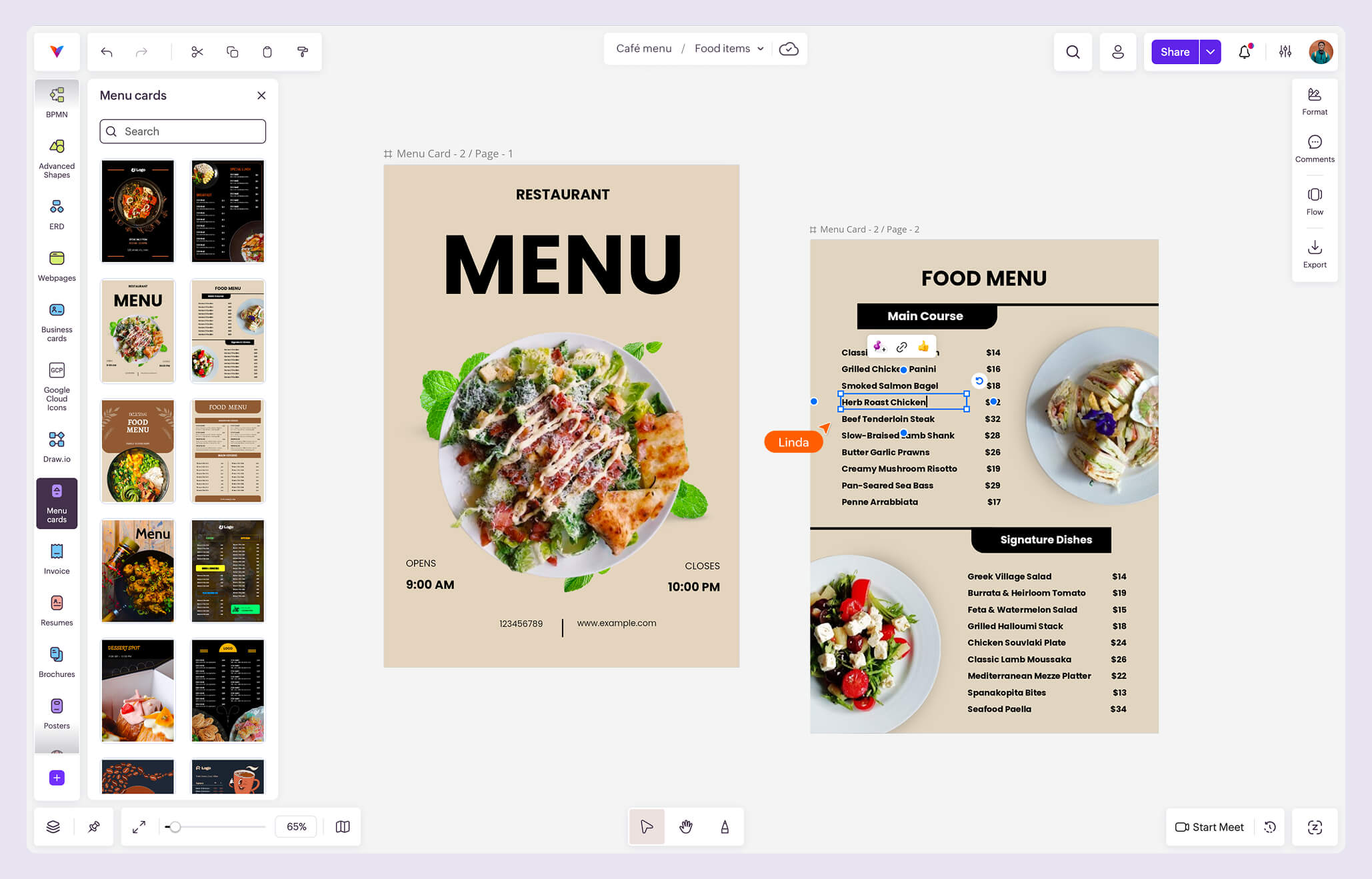
What is the Menu cards Kit?
The Menu cards Kit brings together ready-made layouts for creating clear, well-organized menus without starting from scratch.
Add your dishes, drinks, descriptions, prices, and images, then personalize the design using Vani's formatting tools.
Why use the Menu cards Kit in Vani
Start with ready-made menu layouts
Choose from a variety of professionally designed layouts instead of creating your menu from scratch.
Make the menu your own
Edit menu items, prices, text, images, colors, and other design elements to create a menu that fits your business and offerings.
Organize your offerings clearly
Arrange food and drink items into sections and use the available layouts to present your menu in an easy-to-follow format.
Review designs together
Share your menu in a Vani Space, collect feedback through comments, start a video meeting, and review changes together before finalizing the design.
What's included in the Menu cards Kit
The Menu cards Kit includes a collection of ready-to-use menu layouts with different designs and content arrangements, including:
- Single-page and multi-page menu layouts
- Layouts for food and drink menus
- Editable sections for menu items, descriptions, and prices
- Customizable text, images, colors, and other design elements
You can choose a layout based on the information you want to present and customize it to suit your menu.
How to create a menu card in Vani
-
Add the Menu cards Kit to your toolbar from the Marketplace.
-
Browse the available layouts and add a preferred design to your Space.
-
Replace the sample content with your menu items, descriptions, and prices.
-
Customize the text, images, colors, and other design elements.
-
Add or organize sections based on your food and drink offerings.
-
Review the completed menu and make any final changes.
-
Export the finished design when you're ready to use or share it.