
Create UML diagrams in Vani
Vani's UML Kit helps teams design, document, and explain software systems using standardised UML elements in a shared visual workspace.
What is UML?
Unified Modeling Language (UML) is a standardized visual language used to model software systems and processes.
It helps teams represent system structure, workflows, interactions, and architecture through diagrams that are easy to understand and maintain.
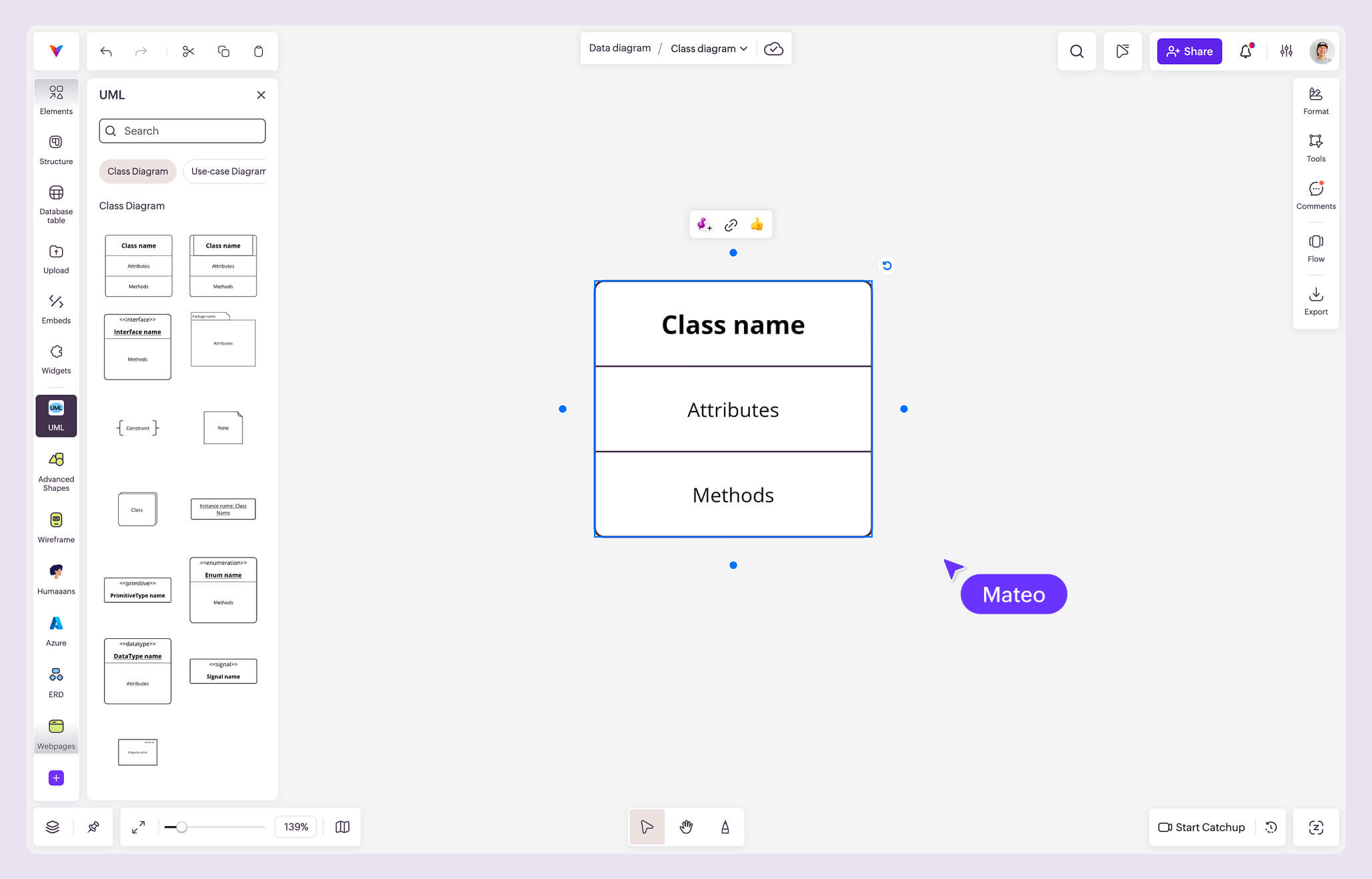
In Vani, the UML Kit provides the elements needed to create UML diagrams directly on your visual workspace.
Why teams choose Vani for UML diagramming
Create UML diagrams visually
The UML Kit includes commonly used UML elements to help teams model software systems, workflows, and relationships clearly. Build diagrams easily using drag-and-drop components on an infinite canvas.
Collaborate in real time
Work together on UML diagrams with developers, architects, product managers, and stakeholders in a shared workspace. Review designs, gather feedback, and refine system architecture without switching tools.
Keep system documentation organized
Maintain accurate UML diagrams as your systems evolve and keep technical documentation accessible for your entire team.
What's in the Vani UML Kit?
The UML Kit includes a collection of UML elements used for software design and documentation.
Create class diagrams, use case diagrams, sequence diagrams, activity diagrams, component diagrams, and more using ready-to-use UML shapes and connectors.
How to create UML diagrams in Vani
-
Start with a project. Create a new Space in Vani for your application, system, feature, or workflow.
-
Add the UML Kit. Open the marketplace, search for UML, and add the Kit to your workspace.
-
Build your diagram. Drag UML elements onto the canvas and connect them to represent system structure, behavior, and interactions.
-
Collaborate with your team. Invite teammates to review diagrams, leave comments, and improve designs together.
-
Share your work. Export UML diagrams as PNG or PDF files for documentation, presentations, and technical reviews.