
Strategize your workflows with online process mapping
Map out your business processes in Vani by adding ideas to an infinite canvas and turning them into clear, step-by-step workflows that your team can follow with confidence.
Map your processes now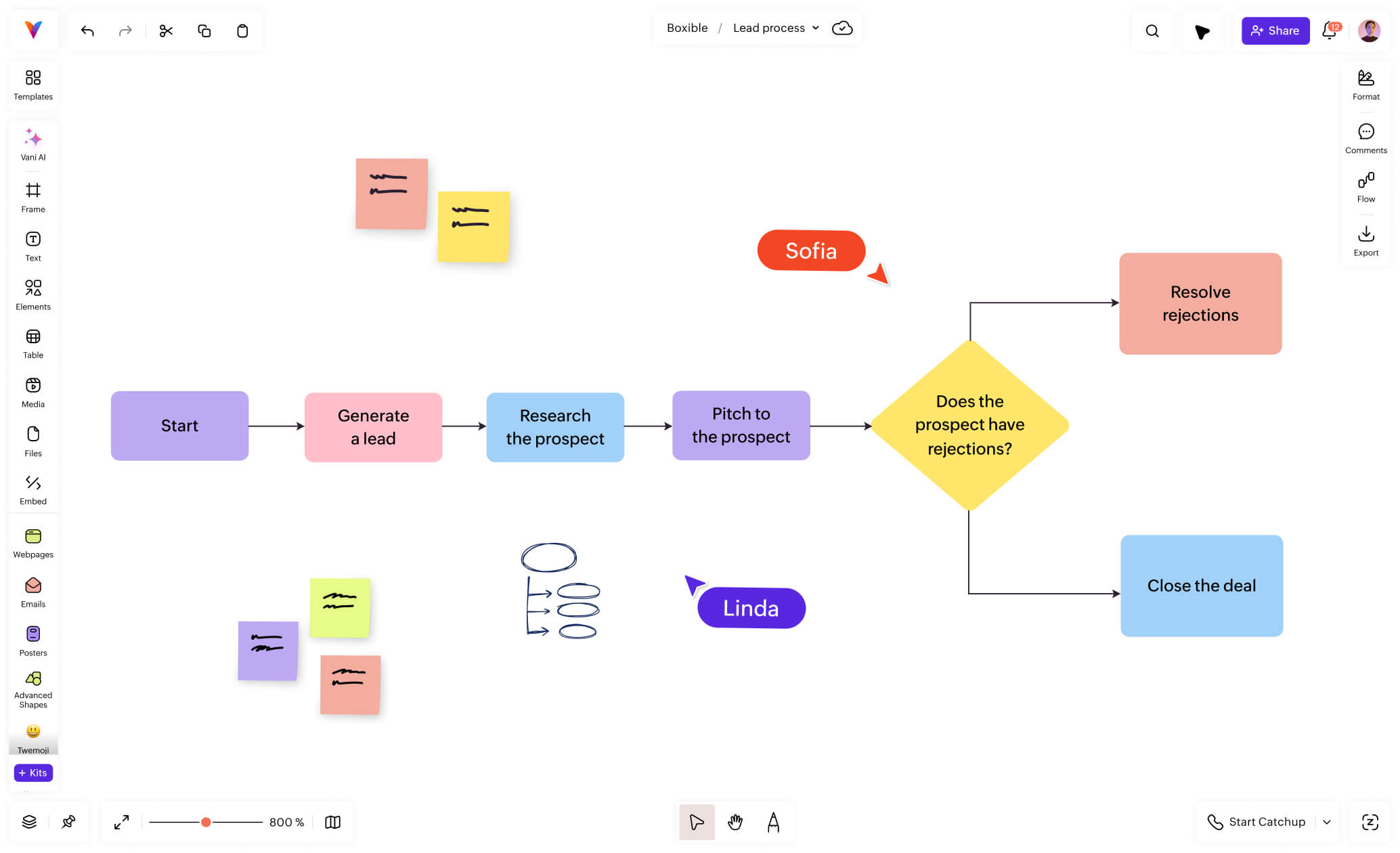
Start with process mapping
Outline your process flows, capture every detail, and drive your team in the winning direction.
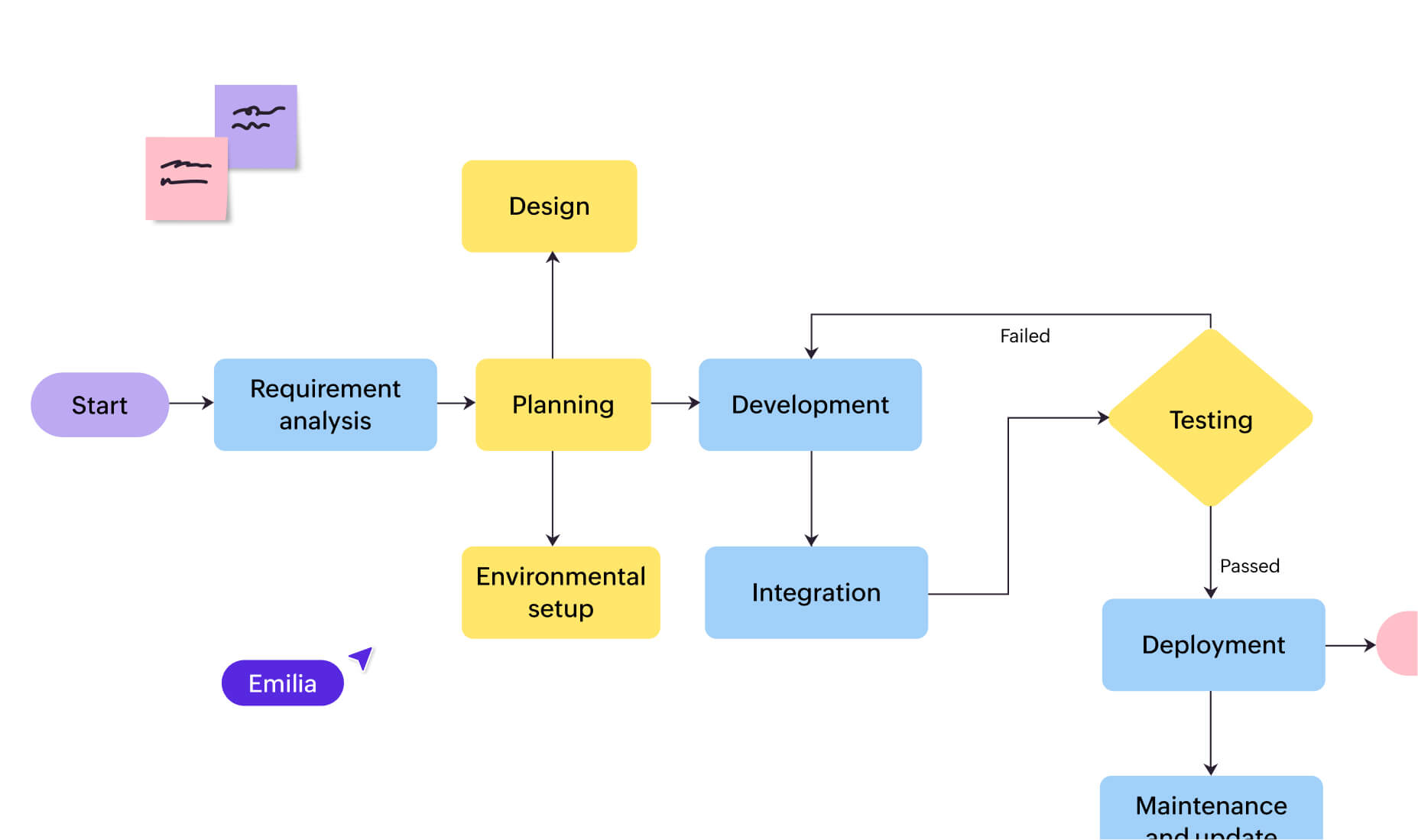
Help your team see what’s happening, who’s involved, and how their work fits into the bigger system. No more silos. No more second-guessing.
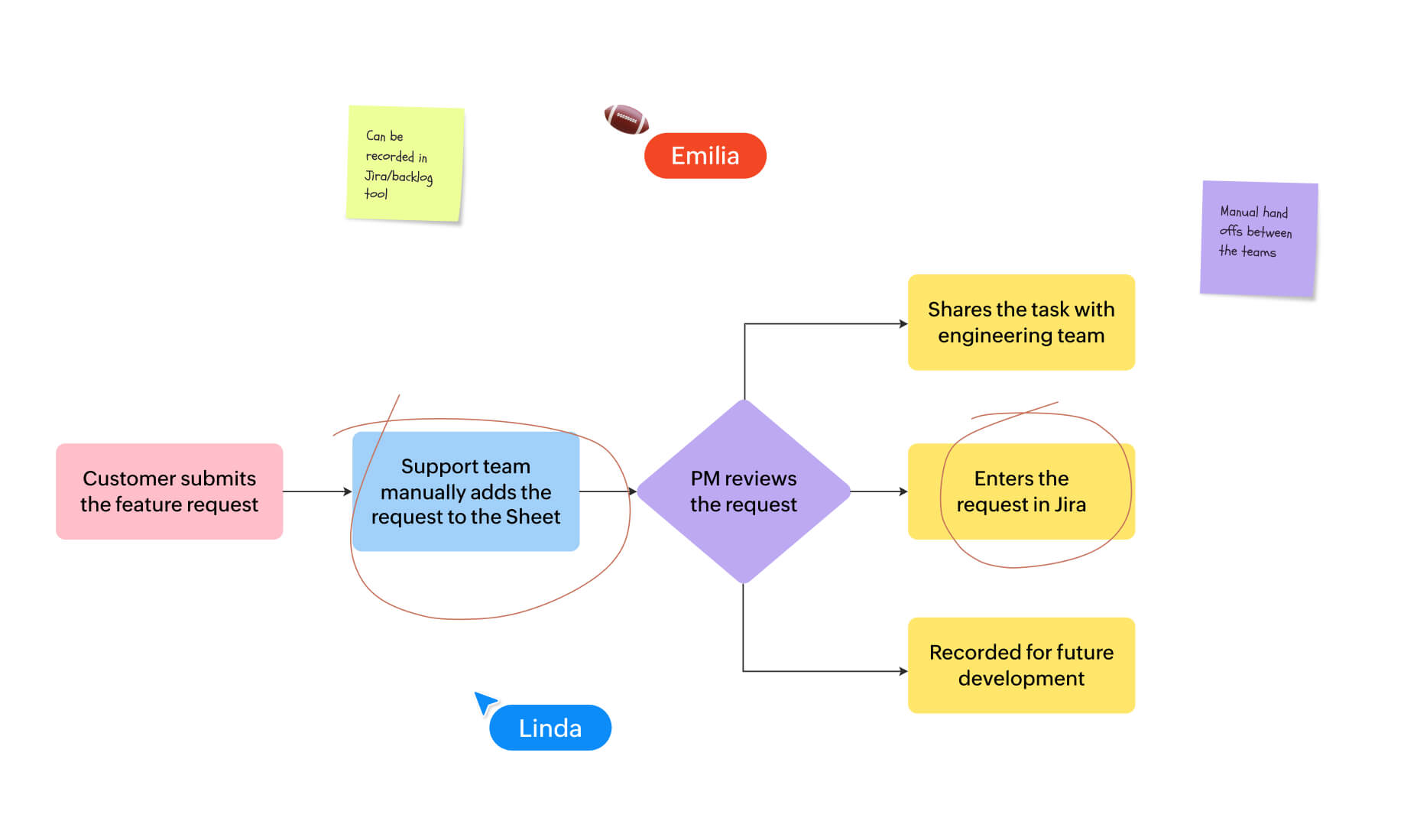
Find where processes stall. Identify gaps, repeated steps, and blocks so your team can focus on what needs fixing—fast.
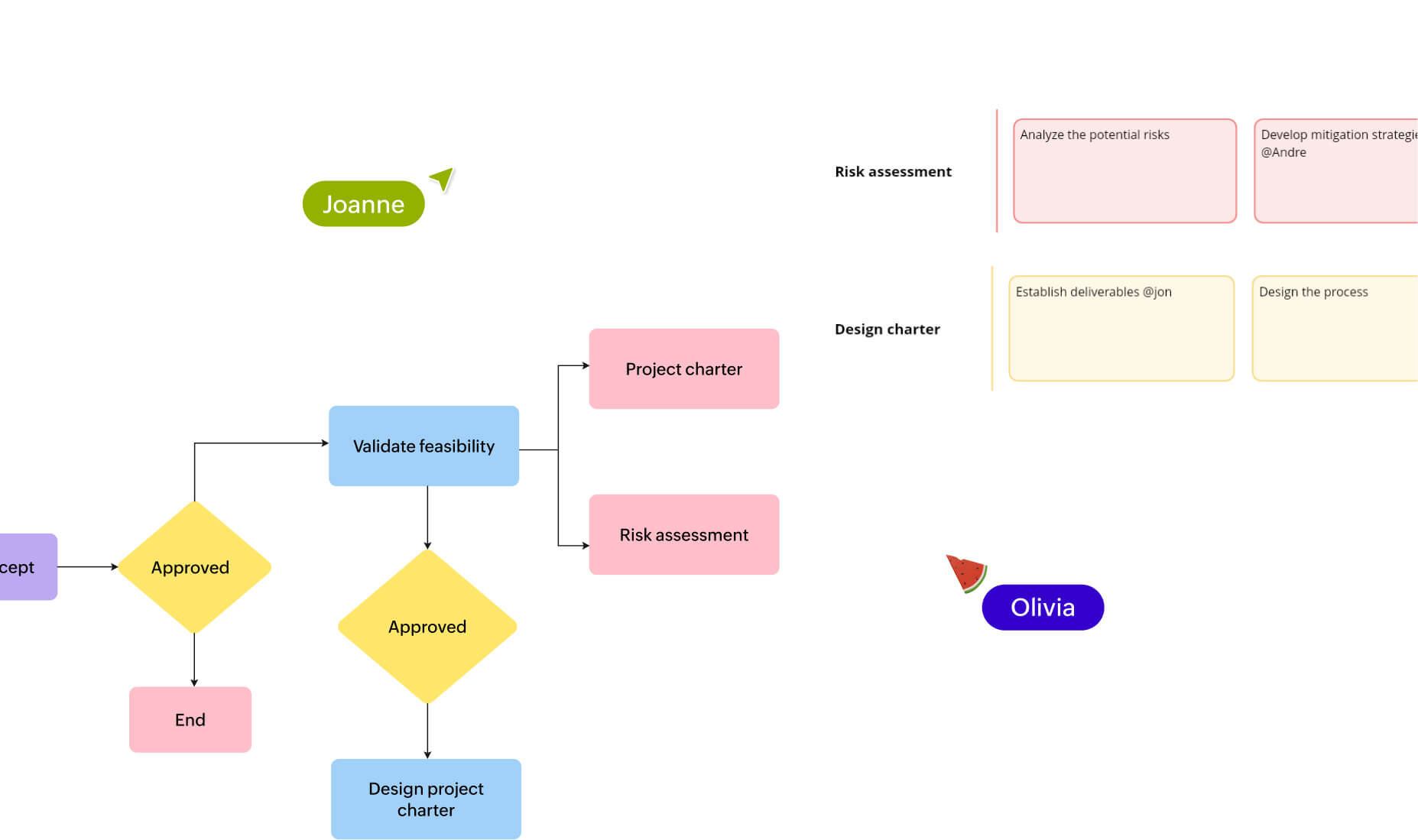
With your entire process visualized in one place, it’s easier to make quick decisions and evolve as you go—whether you're launching something new or scaling what works.
Why map your processes in Vani?
Import your existing processes.
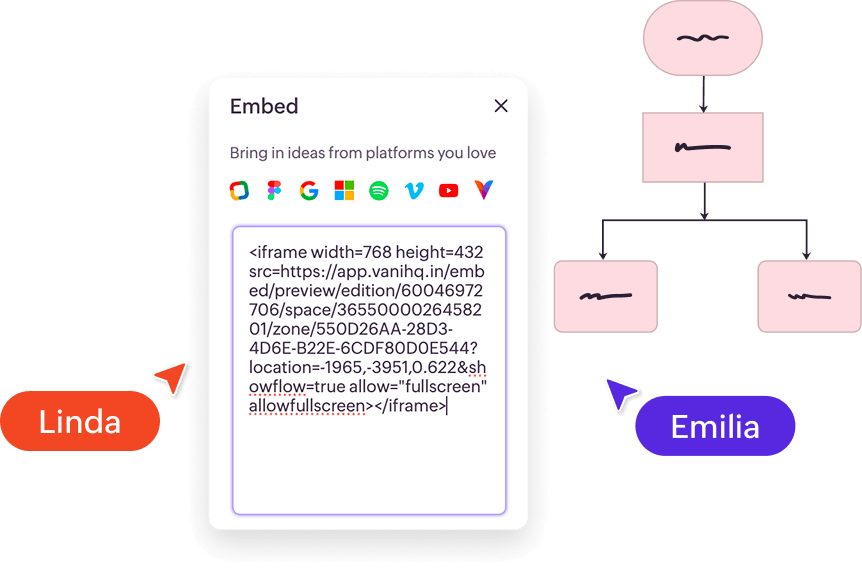
Pick up where you left off. Paste embed codes from Google, Figma, Microsoft, and more—or simply upload files.
Make every voice count
Share thoughts on the spot—leave voice notes or comments or jump into a quick Catchup call. With Vani, no feedback gets left behind!

Present. Align. Succeed—together.
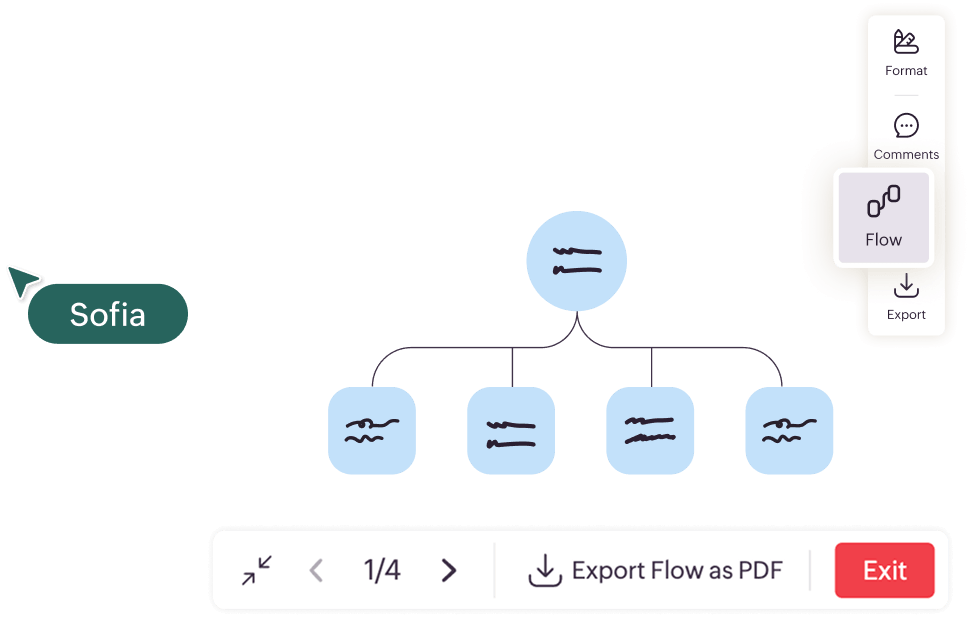
Use Flow to walk your team through every step in a presentation format. Follow cursors to keep everyone aligned—step by step, screen by screen.
Turn ideas into structured workflows.
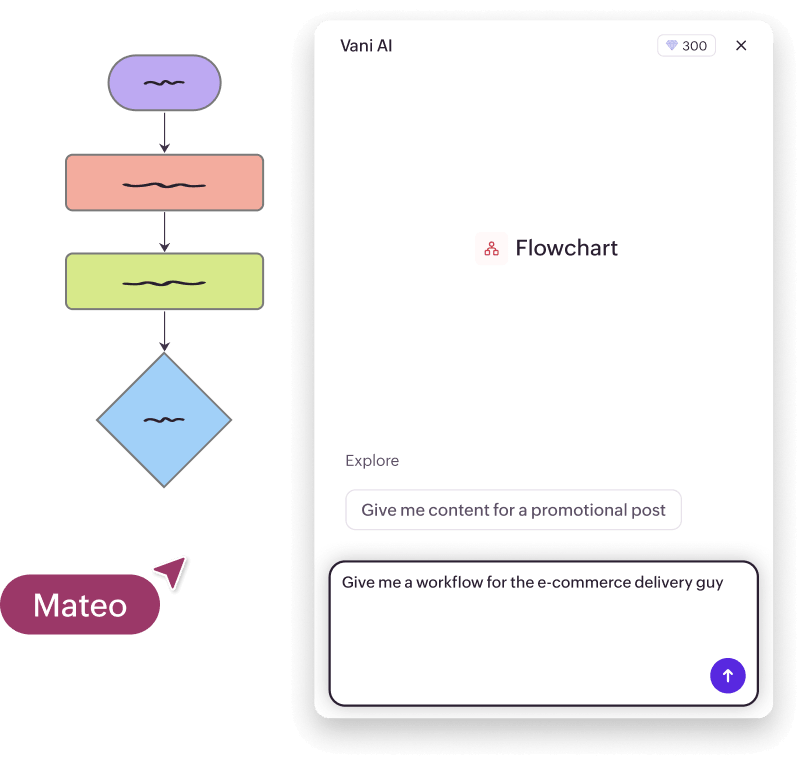
Use Vani AI to generate processes in seconds and watch it come to life, visually and logically.
Make your process visible—anywhere.
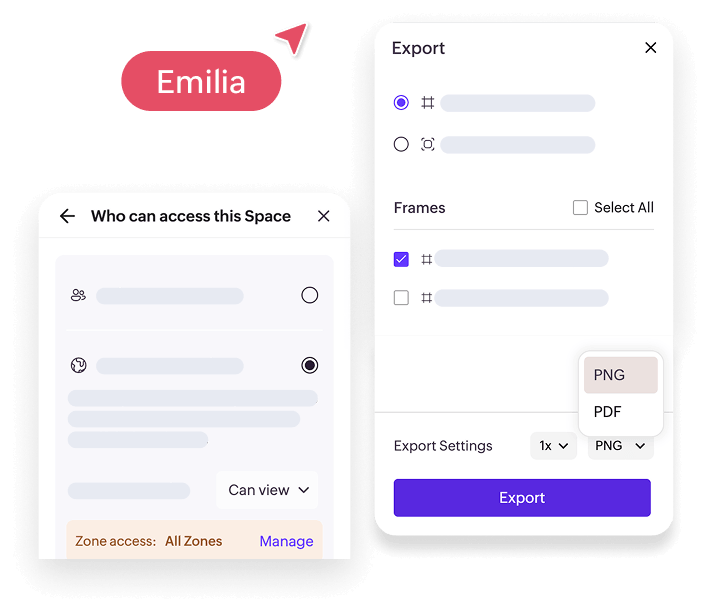
Export your map as a PDF or PNG, share your Space with internal or external teams, or embed it directly on your site or knowledge base.
The process mapping tool built for every team
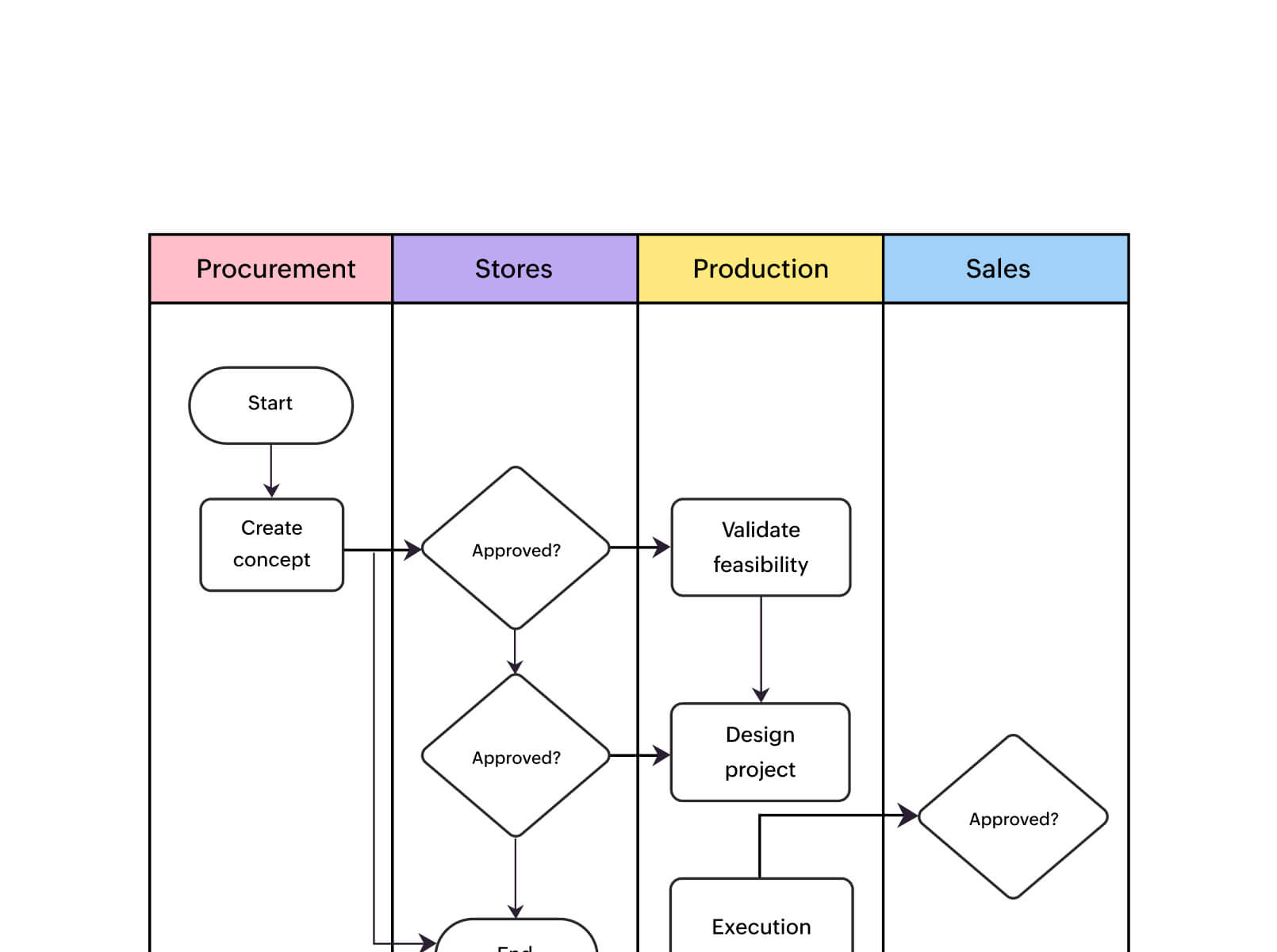
Understand how your operations really run. Identify bottlenecks and optimize your workflows.
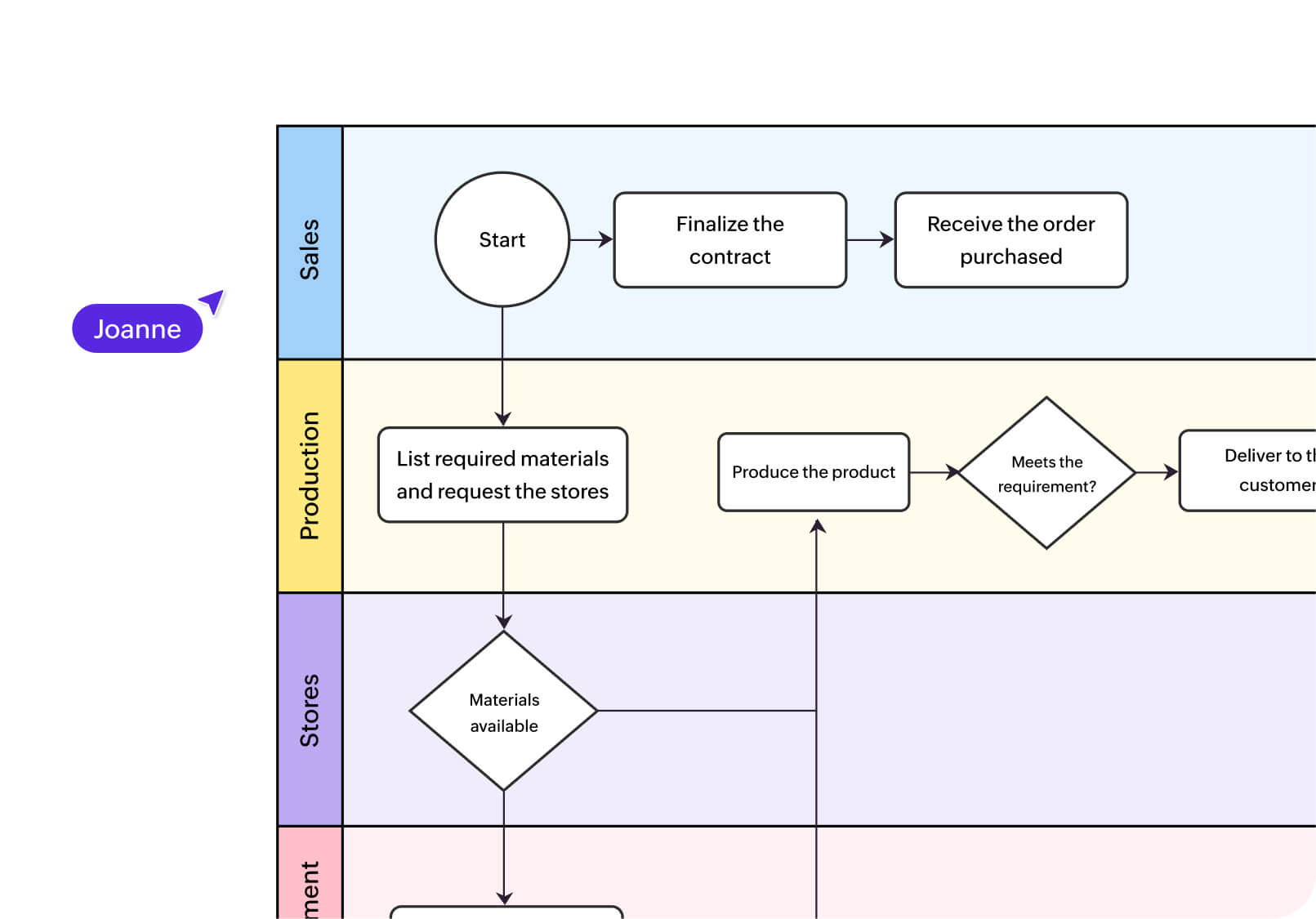
Get a clear view of your entire project—resources, risks, and responsibilities—to keep everything on track.
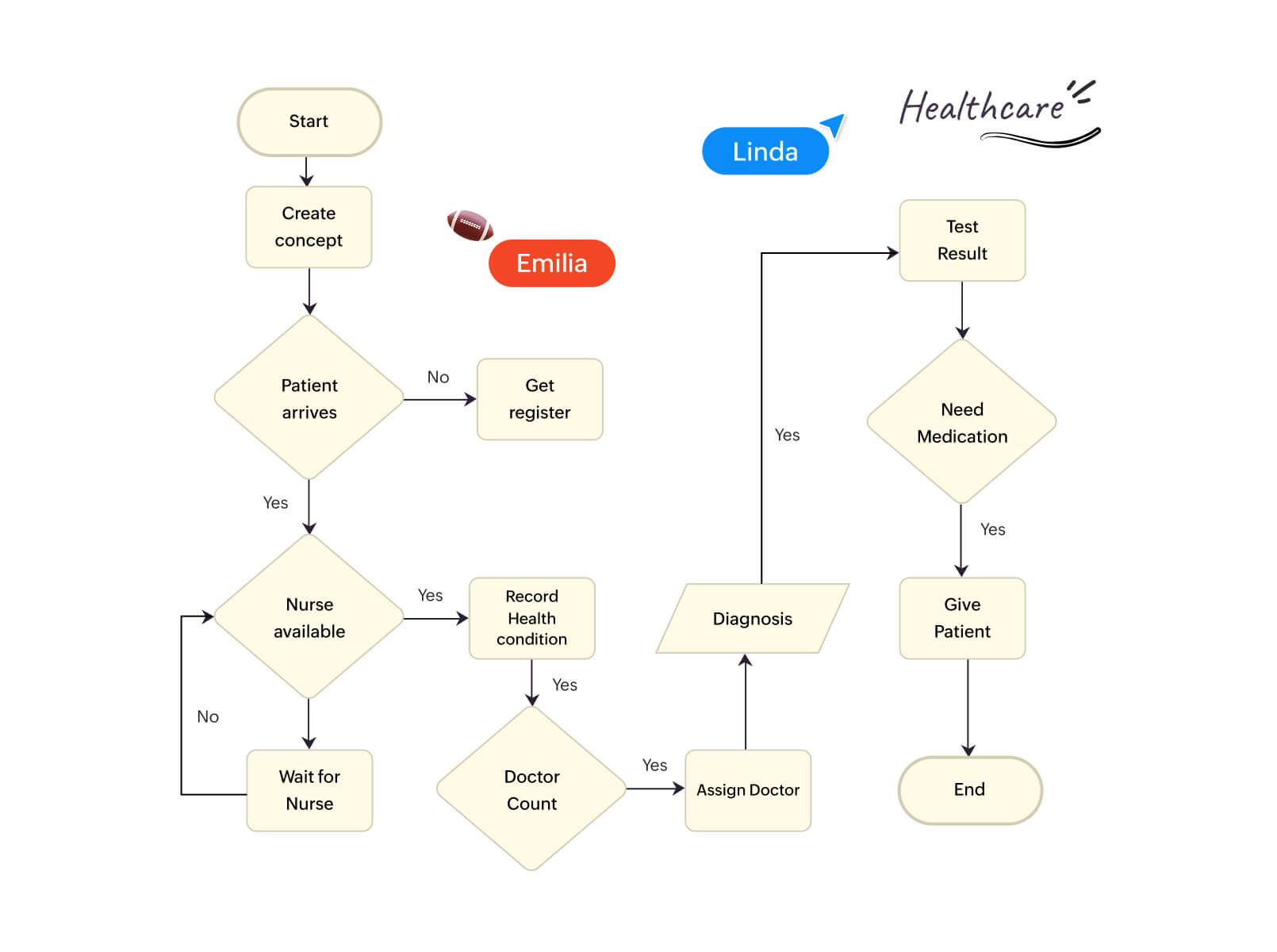
Map complex healthcare workflows to deliver the best patient care and prevent critical errors.
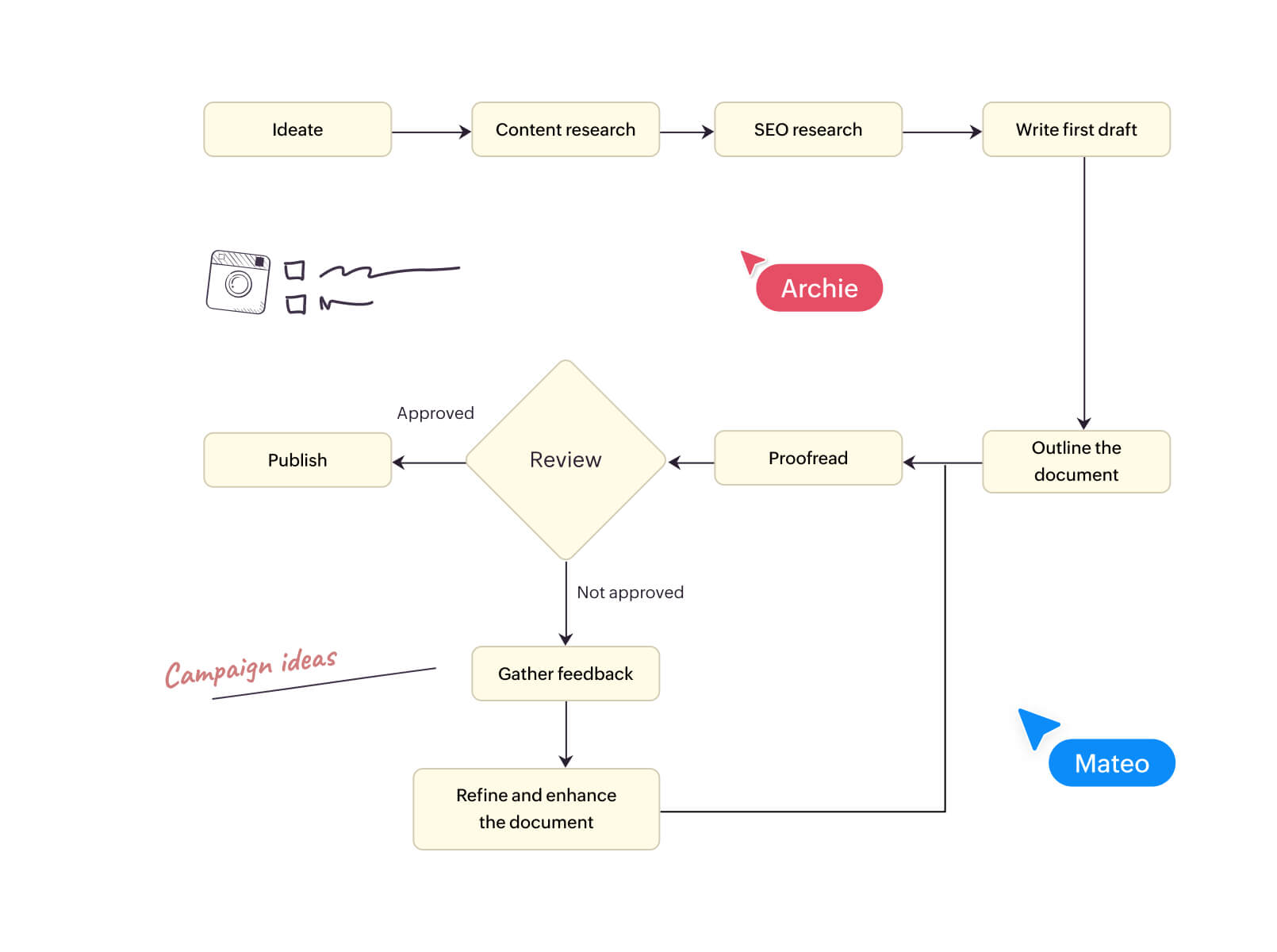
Plan campaigns with clear, connected workflows for content, design, and execution—no more silos.
Plan, map, and document your development cycle together—from first idea to final launch.
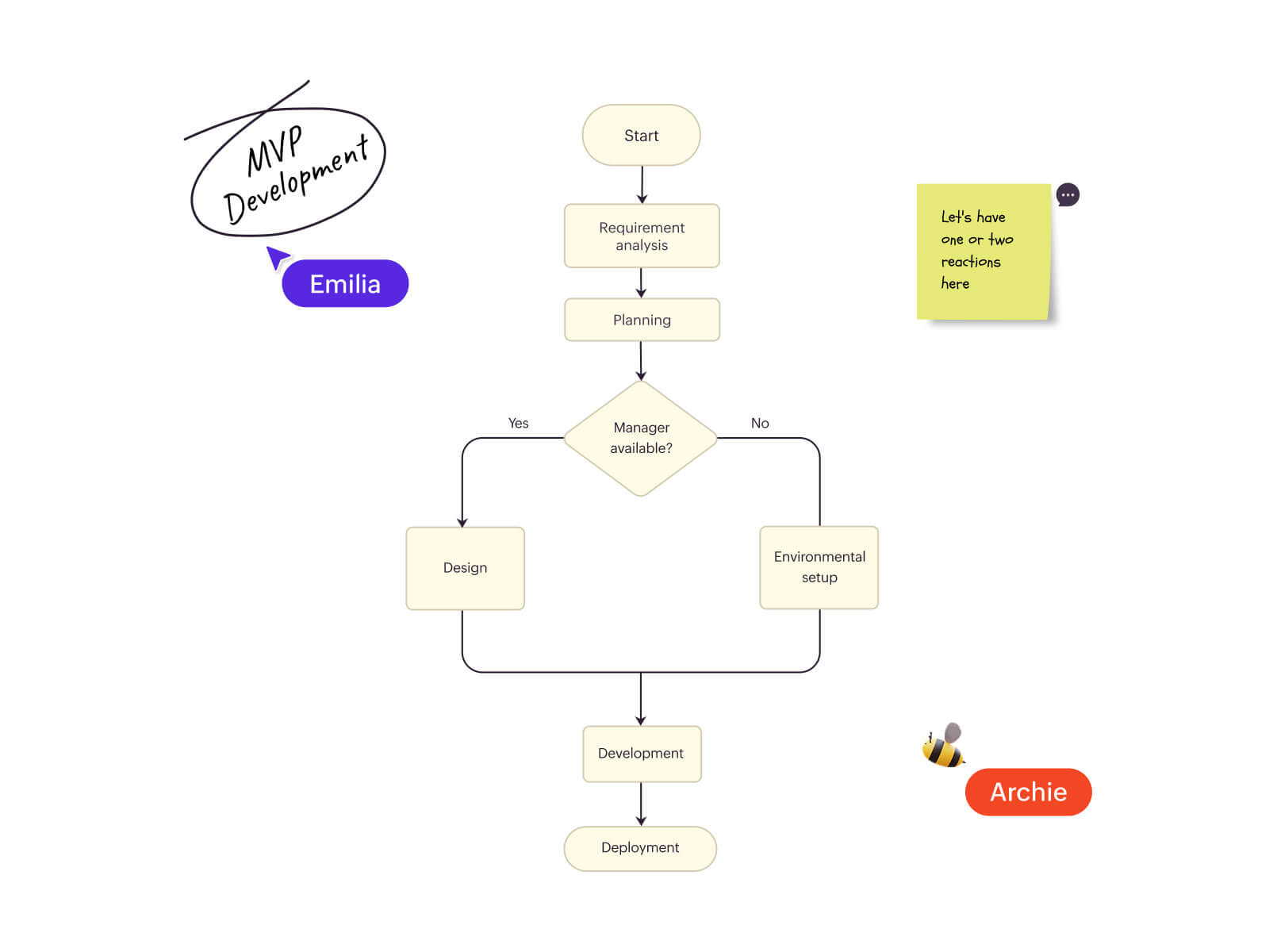
How to create a process map in Vani
Start with a blank canvas
Determine the process you want to map—new or existing. Define its scope and goal on the infinite canvas.
Add your steps
Figure out the key steps in the process. You can write them out or bring in files, links, or documents—all in one Space.
Build your map
Use drag-and-drop shapes or choose a ready-made template to lay out the process.
Make it collaborative
Invite your team to the Space. They can comment, suggest changes, or move things around with you in real time.
Present it with Flow mode
When you're ready, use Flow mode to walk your team through the process, step by step.