
UX empathy map
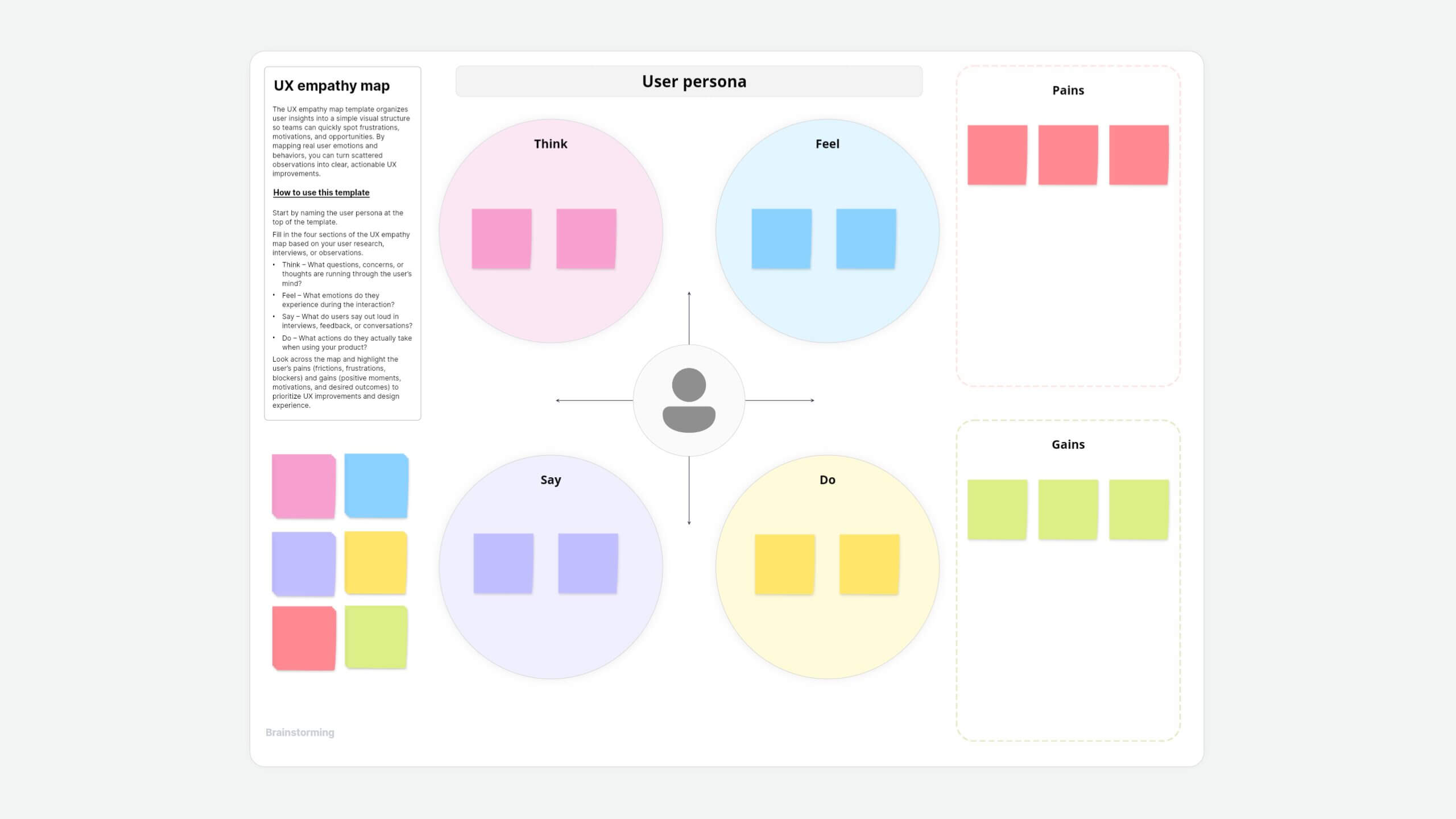
About this UX empathy map template
Design that delights isn't guesswork; it's empathy at scale. This empathy map template helps you dive into real user experiences, turning scattered insights into clear UX actions.
We have taken a scenario of a user using an airline app to book their travel. This template helps you understand your users' true needs, uncover why they hesitate or get excited to shape products they'll love.
How to use this template
- Start by naming the user persona at the top of the template.
- Fill in the four sections of the UX empathy map based on your user research, interviews, or observations.
- Think — What questions, concerns, or thoughts are running through the user's mind?
- Feel — What emotions do they experience during the interaction?
- Say — What do users say out loud in interviews, feedback, or conversations?
- Do — What actions do they actually take when using your product?
- Look across the map and highlight the user's pains (frictions, frustrations, blockers) and gains (positive moments, motivations, and desired outcomes) to prioritize UX improvements and design experience.
Customize your empathy map
- Make it yours: Tweak fonts, colors, or upload illustrations to fit your brand vibe.
- Multimedia context: Paste screenshots, voice-note snippets, or research clips right onto the canvas.
- Flexible layout: Resize quadrants, duplicate frames for multiple personas, or bolt on journey-map swim-lanes.
Instructions for use
Define your scenario & user: Before you begin, clearly articulate the specific UX scenario you're focusing on and the user persona or target user group you're empathizing with.
Gather data: This map is best filled out after gathering user research data. This can include:
- User interviews
- Observation of users (e.g., usability testing)
- Surveys
- Field studies
- Customer support logs
Collaborate: Empathy mapping is often a collaborative exercise. Work with your team (designers, researchers, product managers, developers) to fill out the sections.
Focus on the "Why:" As you fill out the map, constantly ask "Why?" to dig deeper into the user's motivations and frustrations.
Synthesize: Once complete, step back and look for patterns, contradictions, and key insights. This map should inform your design decisions and help you identify opportunities to improve the user experience.
Why use the empathy map template in Vani?
- Real-time collaboration: Watch teammates' cursors add notes live.
- Rich media support: Attach interviews, gifs, or screenshots for richer context.
- Presentation-ready: Shift from a random brainstorming to a polished deck in one click with Flow.
- Easy sharing: Export as PDFs or images, embed in review docs, or share a public link—no account required to view.
When to use this empathy map
- During UX research or initial design phases.
- Auditing existing products to find friction points.
- Aligning stakeholders around real user insights.
- Quickly testing assumptions about your audience.