
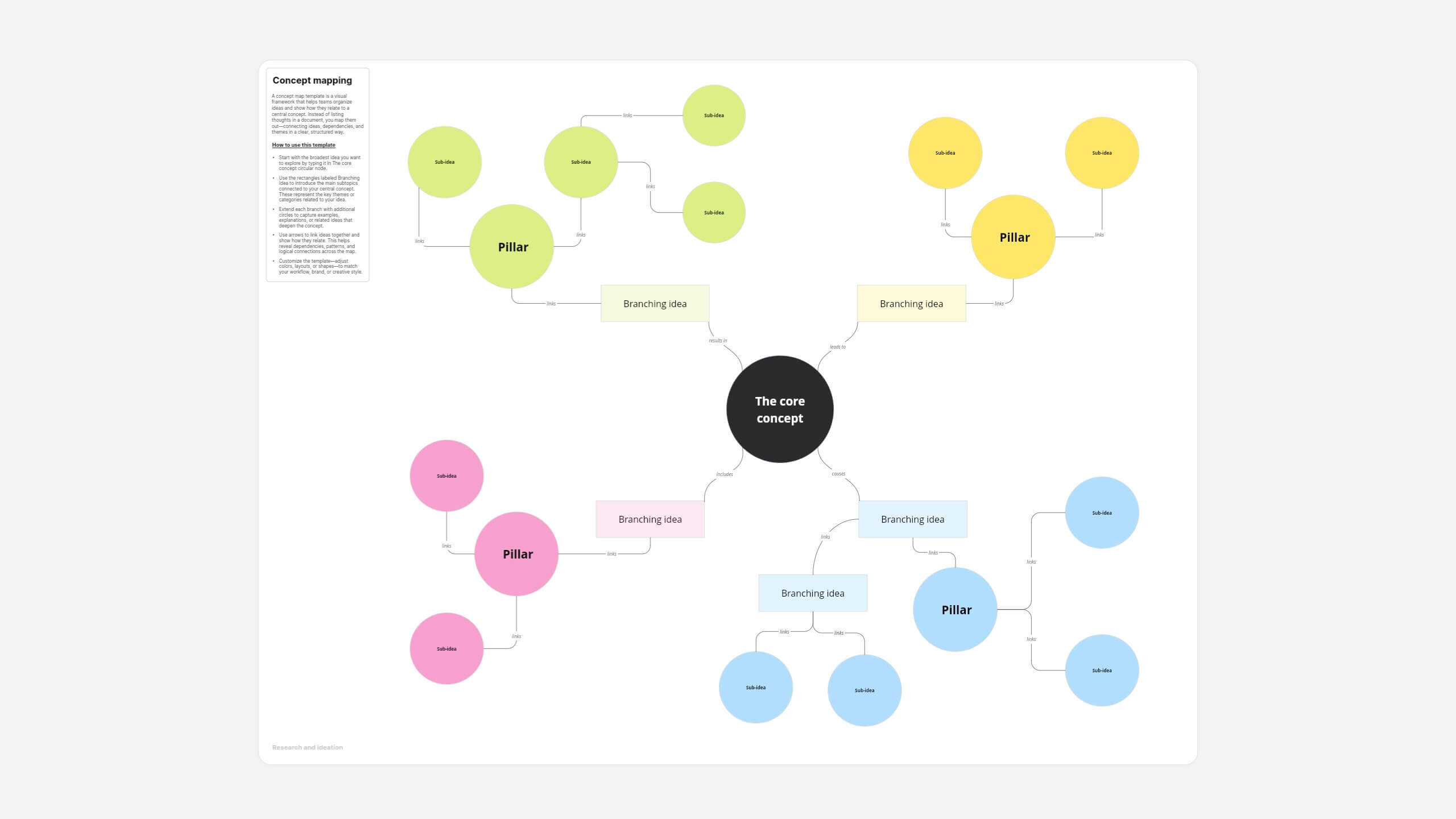
About this concept map template
Concepts aren't isolated thoughts—they're part of a larger story, connected by relationships and logic. With the concept map template in Vani, you can easily link ideas, visualize how they fit together, and reveal the full picture behind your thinking.
Organize complex ideas into manageable parts by breaking down a central concept into sub-topics. Simply click the arrows to connect your ideas and use linking phrases to explain the relationships between your concepts and sub-concepts. Add cross-links between different sections to discover deeper hidden connections across your entire structure.
Customize your concept map to match your workflow
- Change fonts, sizes, and colors to personalize your map.
- Drag and drop shapes, sticky notes, icons, and graphics.
- Jump into a quick video Catchup with teammates to refine ideas together.
- Use Flow to present your concept map as a clean, structured story.
Whether you're brainstorming, planning, teaching, or problem-solving, this template gives you the flexibility to think visually and collaborate seamlessly.
How to use this template
- Start with the broadest idea you want to explore by typing it in The core concept circular node.
- Use the rectangles labeled Branching Idea to introduce the main subtopics connected to your central concept. These represent the key themes or categories related to your idea.
- Extend each branch with additional circles to capture examples, explanations, or related ideas that deepen the concept.
- Use arrows to link ideas together and show how they relate. This helps reveal dependencies, patterns, and logical connections across the map.
- Customize the template—adjust colors, layouts, or shapes—to match your workflow, brand, or creative style.
When to use this concept map template
- Learn a new topic faster by visually breaking down information.
- Plan a project with clarity, mapping all related tasks and ideas.
- Brainstorm ideas collaboratively and see how they connect.
- Study complex subjects like science, nursing, or business strategies.
- Organize research findings for better structure and understanding.
- Solve problems by mapping causes, effects, and potential solutions.
Why use the concept map template in Vani
- Drag and drop shapes, sticky notes, and icons or upload media files to build as you think.
- Customize fonts and colors for a polished, clear layout.
- Use the minimap to easily navigate your infinite canvas.
- Track real-time updates with live personality cursors.
- Comment, @mention teammates, react with emojis, or catch up instantly with video and audio calls.
- Share external links for anyone to access, embed maps into your website, or export as PDFs or images.
- Run live workshops by presenting ideas as structured presentations using Flow.
FAQs
- Educators and students: To explain and understand complex subjects
- Business teams: For project planning, strategy mapping, and process visualization
- Healthcare professionals: To identify illness patterns and outline patient care plans and treatment pathways
- Researchers: To structure research data and papers
- Identify the main diagnosis or care plan.
- Add symptoms, treatments, and interventions as subtopics.
- Link ideas logically using arrows and explanatory labels.
- Review and refine for clarity and completeness.
- Mind map: Focuses on brainstorming around a single idea with a free-flowing layout
- Concept map: Focuses on showing logical relationships between multiple concepts—linking many ideas together logically
- Main concept: The core idea of the map—everything else branches from here
- Parking lot: A holding area for related concepts or ideas that don't yet have a clear position in the map but may be added later
- Sub-concepts: Key topics branching from the main concept
- Nodes: Shapes (e.g., rectangles or circles) that hold individual ideas
- Links: Lines or arrows connecting related concepts
- Linking words: Phrases that explain the relationship between nodes
- Cross-links: Connections between different parts of the map
- Start with your main research topic at the center.
- Add related theories, variables, and themes as subtopics.
- Link them logically using arrows and explanatory phrases.
- Keep refining the structure as your understanding deepens.