- HOME
- Work culture
- 10 virtual icebreakers for remote and hybrid teams
10 virtual icebreakers for remote and hybrid teams
- Last Updated : March 31, 2026
- 172 Views
- 6 Min Read

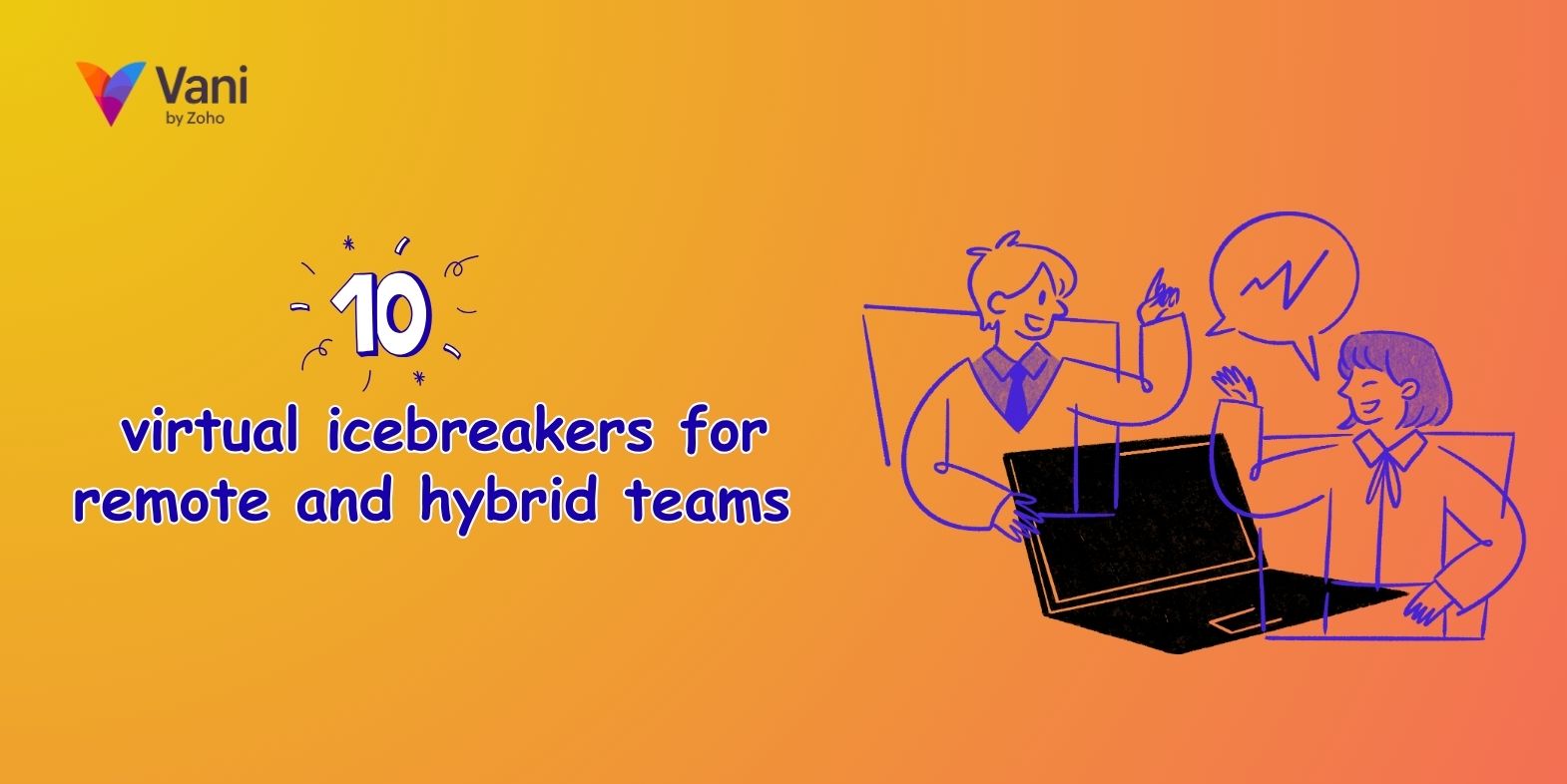
Most virtual icebreakers fail before they even begin.
Someone shares their screen, pulls up a slide that says "tell us one fun fact about yourself," and the silence that follows is somehow worse than no icebreaker at all. People scramble for something interesting to say. The extroverts take over. Everyone else waits for it to be over.
The problem isn't the idea of icebreakers; it's the format. Putting people on the spot in front of a blank screen creates pressure, not connection. Virtual icebreakers work best when there's something to look at, react to, and build on together in a shared visual space where participation feels natural rather than performed. People contribute when they're ready, not when the spotlight lands on them.
Here are 10 visual icebreakers for remote and hybrid teams, grouped by the kind of moment you're in.
For new teams and first meetings
The goal here isn't to learn everything about everyone. It's to find one or two real situations that give people something to talk about later.
1. Watercolors
Each person picks a color that represents their current mood and paints a loose, free-form shape on a shared canvas—no artistic skill required. The messier, the better. Once everyone's added their art, the canvas becomes a collective mood board that's genuinely different every time.
Why it works: It's a low-barrier way into the space that also tells you something real about the room before the work begins. No one can get it wrong.
2. Team bookshelf
Everyone adds one book to a shared digital shelf: something they've read recently, keep coming back to, or think the team should read. Each book gets a sticky note with a one-liner on why it matters to them.
Why it works: The bookshelf stays on the canvas long after the meeting ends and tends to generate more conversation than any formal introduction. It reveals what people actually care about, not what they think they should say.
3. Two truths and a lie
Everyone posts three sticky notes about themselves: two true statements and one false one. The team votes on which is the lie using emoji reactions or color dots. Because everyone posts simultaneously before anyone reacts, there's no anchoring bias.
Why it works: A simultaneous reveal removes the pressure of performing live. It works async or in a live session, and it almost always surfaces something genuinely surprising about people.
4. Desert island picks
Each person pins three things they'd bring to a desert island: a book, a song, and a tool or object. The canvas holds the picks visually so people can browse and react at their own pace.
Why it works: It's a simple prompt that's fast to fill in, but the combinations reveal personality quickly. It gives quieter team members an equal presence on the canvas without requiring them to speak first.
For a low-energy day or end of the week
These aren't about depth; they're about giving people a small moment of fun before or after the real work. These are the kind of online icebreaker activity that nobody dreads joining.
5. Guess the doodle
One person draws something on the canvas with no labels and no hints. The team guesses in the comments. Rotate through a few rounds.
Why it works: The drawings are usually bad. That's the point. Bad drawings are funnier than good ones, and watching someone try to sketch "quarterly review" in under 30 seconds is exactly the kind of low-stakes moment that makes a distributed team feel like they're in the same room.
6. Picture relay
One person starts drawing something, then stops halfway. The next person adds to it without knowing the original prompt. Then the next. The canvas reveals the full chain at the end.
Why it works: The gap between what was intended and what was drawn is almost always chaotic in the best way. It works especially well async: each person just picks up where the last left off, no scheduling required.
7. Hot takes board
Post five or six mildly controversial takes on sticky notes: things like "async is always better than a meeting" or "the best team ritual is no team ritual." Teammates vote to agree or disagree using emoji or color dots.
Why it works: No one has to defend their answer out loud, which means people are more honest. The disagreements are visible on the canvas, and the conversations that follow are usually more interesting than anything on the original agenda.
When you want more than small talk
These work best with teams that already know each other a little or for moments when you want to build something beyond surface-level familiarity. They're good for virtual meetings where the goal is genuine connection, not just warming up.
8. Never have I ever
Post a set of "Never have I ever..." statements across the canvas. Teammates mark the ones that apply to them. Responses are visual and simultaneous, so the reveal is immediate and shared.
Why it works: It's a fast way to find unexpected common ground across a team that's been working together for months but doesn't always get to just be people together. The format removes the awkwardness of the game's live version.
9. Team coffee discussion
Create a shared canvas with a few open-ended questions—not "What's your biggest professional achievement?" but things like "What are you quietly proud of?" or "What would you do if you weren't doing this?" Each person adds answers on sticky notes and reacts to others.
Why it works: The canvas makes it a slow, honest conversation that doesn't require everyone to be online at the same time. It's async-friendly by design, and the questions tend to open up conversations that a Zoom call never quite gets to.
10. GIF or meme reaction wall
Before the meeting starts, everyone drops a GIF or meme on the canvas that describes their week or current state of mind—no explanation needed. The reactions do the talking.
Why it works: A meme someone picks says more about how they're actually doing than any check-in question would. Because the canvas is already alive before the call officially starts, the energy in the room is different from the first moment.
A note on async
Most of these icebreakers for virtual meetings work just as well without a live call. A shared canvas stays open. People add their sticky note, drop their GIF, or vote on a hot take whenever they have a moment. For distributed teams across time zones, that flexibility isn't just convenient; it's what makes participation feel genuinely optional rather than obligatory.
FAQs
- What makes a virtual icebreaker actually work?
Three things: low barrier to entry, something to react to rather than respond to, and async-friendliness. The best online icebreaker activities don't require anyone to perform on the spot; they give people a visual prompt and let the conversation follow naturally. How long should a virtual icebreaker take?
Five to ten minutes for a live session. For async icebreakers, leave the canvas open for 24–48 hours so people across time zones can contribute without pressure
Are visual icebreakers better than verbal ones for remote teams?
For most remote and hybrid teams, yes. A shared canvas gives everyone equal presence. The quieter members of the team aren't waiting for a gap in conversation. They're already there, on the canvas, before anyone has said a word.
Try it on Vani
Most of these activities have a ready-to-use template on Vani. Open one, share the link with your team, and the canvas does the rest—no setup or facilitation guide needed.
Explore ice breaker templates on Vani.
Wrapping up
The best virtual icebreaker is the one that doesn't feel like one.
When people have something visual to contribute to, a canvas to drop their ideas on, and the freedom to participate on their own time, connection happens without anyone having to announce that it's happening. That's the difference between an icebreaker that works and one that everyone silently endures.
Start small. Pick one activity from this list that fits where your team is right now. Leave the canvas open. See what comes back.
Because the hardest part isn’t the activity—it’s getting people to begin.
Happy collaborating!