- HOME
- Work culture
- Why teams end up with multiple whiteboard tools? (And when it's a problem)
Why teams end up with multiple whiteboard tools? (And when it's a problem)
- Last Updated : August 28, 2026
- 23 Views
- 7 Min Read

TL;DR
Teams often end up with multiple whiteboard tools because different departments, projects, and clients prefer different platforms. This isn’t always a problem. But when tools begin doing the same job, ideas get scattered, work gets duplicated, and people spend too much time searching and switching. The goal isn’t to force everyone into one whiteboard. It’s to give each tool a clear purpose and choose a versatile platform that can support different teams and workflows without losing context along the way.
Imagine sitting down to finish a jigsaw puzzle, only to find its pieces scattered across five different boxes.
A few corners are in one, the center is in another, and some pieces belong to a different puzzle altogether. Soon, you’re spending more time searching through boxes than putting the puzzle together.
Something similar happens at work when teams use multiple whiteboard tools.
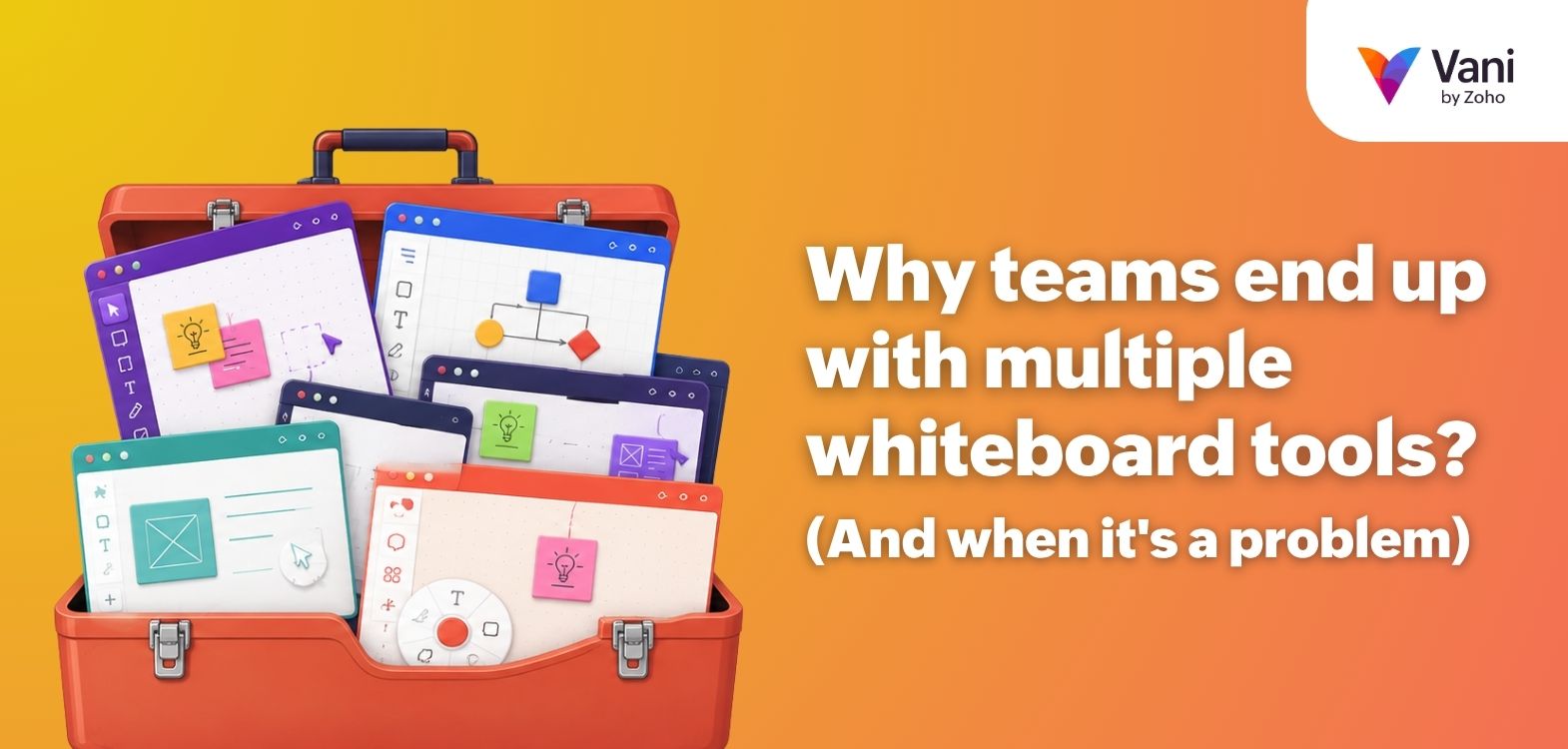
Marketing plans campaigns on one platform. Design brainstorms on another. Product maps user journeys somewhere else. Then a client shares a board from a completely different tool. Each whiteboard may be useful on its own, but together, they can make ideas, decisions, and discussions much harder to follow.
So, how can you tell whether your whiteboards are supporting the work or slowing it down? We’ll look at the signs, the exceptions, and the ways to simplify your setup in this blog.
When multiple whiteboards start getting in the way
Having multiple whiteboards isn’t automatically a problem. If every tool has a clear purpose and teams can move between them easily, the setup may work perfectly well.
The trouble begins when the tools create more work than they save.
Context gets scattered
The brainstorm lives on one whiteboard. The final workflow is on another. The conversation that shaped it is buried somewhere else. Anyone joining later has to piece everything together. They may be able to see what was decided, but understanding why it was decided is a different story.
Work gets duplicated
When teams can’t quickly find or reuse existing work, starting again can feel easier. The same diagram gets rebuilt. Ideas are copied from one board to another. Before long, several versions of the same work are circulating, with nobody quite sure which one is current.
Finding the right board becomes a task of its own
You know the board exists. You may even remember what it looks like. But who created it? Was it shared by the client? Is it on this whiteboard platform or the other one? When finding the work starts taking almost as much effort as doing it, the setup is no longer helping.
Switching tools breaks the flow
Moving between whiteboards means switching interfaces, searching for links, checking permissions, and sometimes exporting and importing content. None of these steps feels like a major inconvenience on its own. But when they happen throughout a project, they quickly add up.
Visual collaboration becomes less collaborative
Whiteboards work best when everyone can see the same information and build on it together. When that information is spread across different platforms, teams may still be collaborating. But a good part of that collaboration becomes finding updates, sharing links, and catching everyone up.
The problem, then, isn’t simply the number of whiteboards. It’s what happens when ideas, decisions, and conversations can no longer move easily with the work.
When multiple whiteboards actually make sense
As we discussed earlier, using multiple whiteboards can create friction. However, that doesn’t mean every setup with more than one tool needs fixing. Sometimes, different tools are there for good reason.
A client may require teams to work in their preferred platform. A specialized project may need capabilities that aren't part of the usual workflow. Different access, security, or integration requirements can also make a separate tool the practical choice.
In these cases, having multiple whiteboards is intentional. Each tool has a clear role, and teams know when and why to use it. The key difference is intent. Multiple whiteboards can work well when each serves a distinct purpose.
Do you actually have too many whiteboards?
You probably won’t notice the exact moment your whiteboard setup becomes too much. You’ll notice the small frustrations that start showing up around it.
Here are a few signs to watch for:
“Where should I create this?” gets asked regularly.
Nobody is quite sure which board has the latest version.
Two or more whiteboards are being used for essentially the same work.
New team members need access to several platforms just to get started.
Old boards rarely get revisited, but nobody wants to delete them.
People export screenshots, PDFs, or files often.
If several of these sound familiar, the issue may not be the number of whiteboards itself. It may be that your visual collaboration setup has grown without a clear structure around what belongs where.
How to simplify your whiteboard setup
Simplifying doesn’t have to mean choosing one whiteboard and saying goodbye to everything else. It means being more intentional about what stays, what goes, and what each tool is there to do.
Start with what you already use
Begin by listing the whiteboards used across your teams and what they’re used for.
You may find that a tool introduced for a one-time workshop two years ago is still hanging around. Another may have started as an experiment but become essential to everyday work.
Knowing what your teams actually use gives you a much clearer place to start.
Look for unnecessary overlap
Next, look for tools doing the same job.
If several whiteboards are all being used for brainstorming, diagramming, or planning, ask whether each one still has a distinct purpose. You may find that some of them are there simply because different teams picked different tools at different times.
Reducing that overlap makes it easier for everyone to know where new work should go.
Give every tool a clear role
For every whiteboard you keep, define what it should be used for.
Perhaps one is required for client workshops, while another supports internal planning. Whatever the reason, make it clear to everyone.
The goal is to avoid having the same conversation every time a project begins: Which tool are we using for this?
Think about what happens after the whiteboard
A brainstorming session is rarely the end of the work. Ideas still need to become decisions, plans, tasks, and action.
Pay attention to how that happens. Are teams constantly downloading files, copying ideas, or rebuilding the same information elsewhere?
Sometimes, the answer is to use fewer whiteboards. In other cases, it may help to choose a unified visual collaboration platform that can keep more of the journey connected in one place.
Choosing the right whiteboard for visual collaboration
A useful whiteboard should support your team throughout the workflow, from early ideas and discussions to planning and execution.
Here are a few things worth considering:
Does it work across different use cases?
A whiteboard may start with brainstorming, but teams also use visual spaces for diagramming, planning, mapping workflows, and organizing information. A tool that can adapt to different use cases can reduce the need for separate platforms.
Can different teams work comfortably in it?
Visual collaboration often crosses departments. Look for a tool that’s flexible enough for marketing, design, product, engineering, and other teams to work together without forcing everyone into one rigid workflow.
Does it keep collaboration close to the work?
Comments and feedback are much easier to follow when they sit next to the idea, diagram, or plan they refer to. Keeping conversations close to the work also helps anyone joining later. Instead of searching through old messages, they can see what changed, what was decided, and why.
Does it fit into your existing workflow?
A whiteboard shouldn’t become another isolated place your team has to remember to check. Consider how easily it works with the tools your team already uses. Integrations, sharing options, permissions, and simple ways to move information in and out can all make a difference.
Can ideas move beyond the whiteboard?
Brainstorming is often only the beginning. Eventually, an idea needs to become a plan, a task, or something the team can act on. Look at how easily that transition happens. The fewer times people have to copy, rebuild, or manually transfer their work, the easier it is to keep important information connected from start to finish.
Final thoughts
The best whiteboard setup is one your team barely has to think about.
A new idea comes up, and everyone knows where it belongs. Someone joins the project halfway through and can catch up without becoming a digital archaeologist. The tools stay in the background while the work gets the attention.
Ultimately, the number of whiteboards matters far less than how smoothly they support the way your team works. When every tool has a clear place and purpose, teams can spend less time figuring out where things are and more time moving ideas forward.
Other resources you might find useful
8 best online whiteboard tools in 2026
How teams maintain shared context in visual collaboration
Frequently asked questions
Why do teams use multiple whiteboard tools?
Teams often use multiple whiteboard tools because different departments, projects, and workflows have different requirements. New tools may also be introduced by clients, external partners, or specific use cases, gradually becoming part of the team's regular workflow.
What is a whiteboard tool used for?
A whiteboard tool provides a shared visual space where teams can brainstorm, organize ideas, create diagrams, map processes, plan projects, run workshops, and collaborate in real time or asynchronously.
How do whiteboards support visual collaboration?
Whiteboards support visual collaboration by giving teams a shared space to communicate ideas using diagrams, sticky notes, mind maps, workflows, drawings, and other visual elements. This makes complex information easier to understand, discuss, and develop together.
Is using multiple whiteboard tools bad for teams?
Not necessarily. Multiple whiteboards can work well when each serves a distinct purpose. Problems arise when tools overlap, information becomes scattered, or teams spend unnecessary time switching between platforms and locating work.
How many whiteboard tools should a team use?
There is no ideal number for every team. The right number depends on the team's workflows and requirements. Each whiteboard should have a clear purpose and add enough value to justify another platform in the visual collaboration setup.
What should teams look for in a whiteboard for visual collaboration?
Look for a whiteboard that supports different visual workflows, cross-functional collaboration, real-time and asynchronous work, sharing and permissions, integrations, and a smooth way to carry ideas from brainstorming into planning and execution.
Can one whiteboard replace multiple tools?
In some cases, yes. A versatile whiteboard can reduce the need for separate tools by supporting several workflows in one place. However, specialized requirements may still make additional tools useful. The goal is to reduce unnecessary overlap rather than force every workflow into a single platform.