- HOME
- Technology & Trends
- How to choose the best online whiteboard in 2026 for real team alignment
How to choose the best online whiteboard in 2026 for real team alignment
- Last Updated : February 26, 2026
- 208 Views
- 7 Min Read

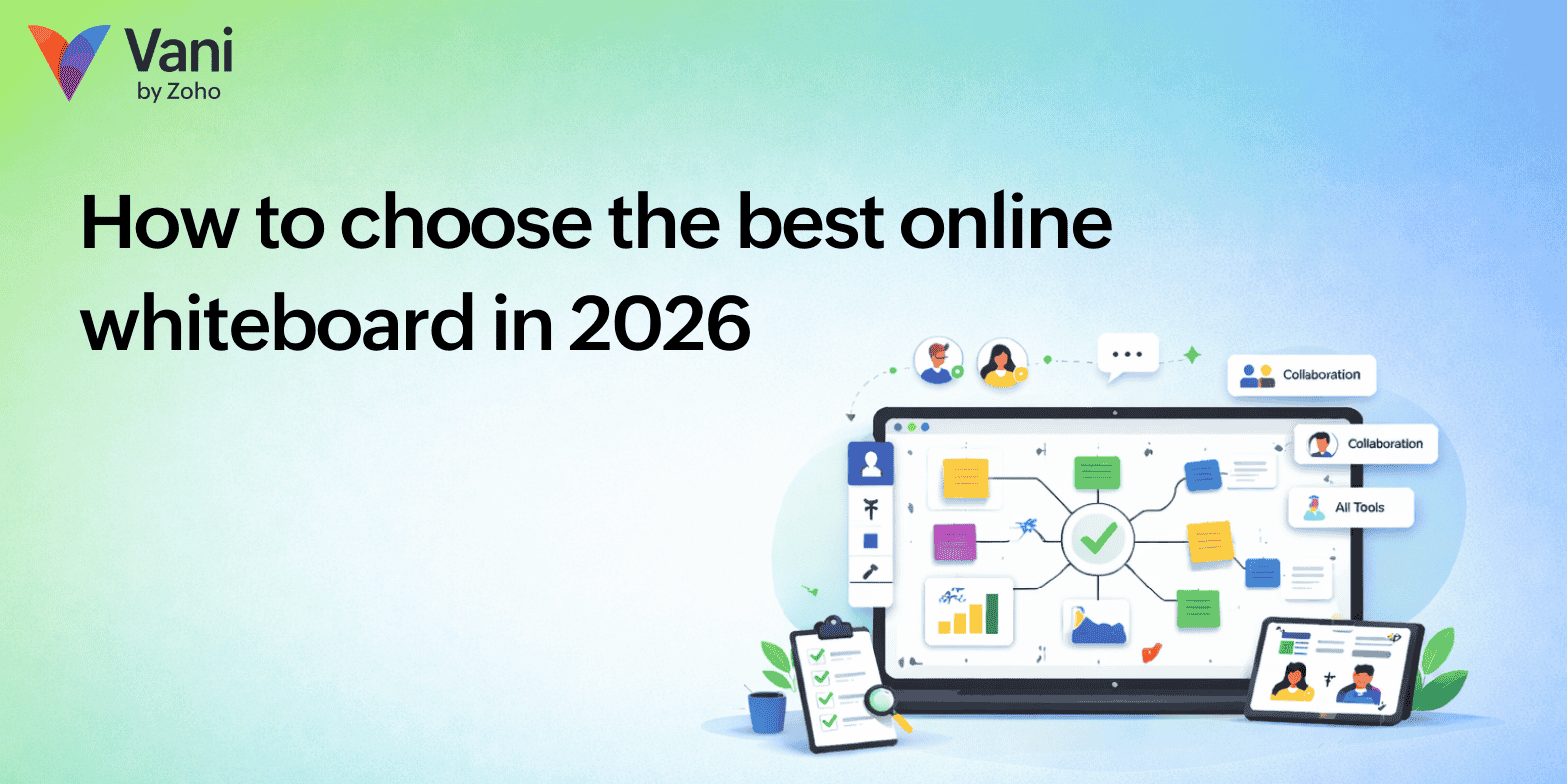
A few years ago, an online whiteboard was simply a meeting aid. Teams opened it during brainstorming sessions, sketched a few ideas, and closed it once the discussion ended. Today, its role has changed completely. For many organizations, the online whiteboard has quietly become the place where actual work happens.
Product teams map logic and flows inside it. Marketing teams plan campaigns inside it. Educators run lessons inside it. Startups design systems, hiring processes, customer journeys, and operational workflows inside a shared visual space instead of scattering them across documents, chat threads, and presentations.
Because of this shift, choosing a whiteboard in 2026 is no longer about picking the tool with the most drawing options. It's about choosing the environment where your team will think together every day. Some tools collect ideas but still leave teams confused after meetings. Others gradually become a workspace people revisit repeatedly because discussions there lead to understanding rather than follow-up explanations.
The real difference appears not during the meeting but afterward. A good whiteboard changes how teams work even when no one is presenting. In this blog post, we'll look at the features you should consider when selecting an online whiteboard in 2026.
Visual clarity
Many collaboration problems inside teams aren't caused by missing information. They happen because people interpret the same information differently. When discussions stay verbal, everyone walks away with a slightly different understanding, even if the conversation felt clear at the time.
Imagine a discussion about user onboarding. A product manager explains the flow, a developer imagines a technical edge case, a designer visualizes a different user path, and a marketer assumes another activation moment. Everyone listened carefully, yet everyone built a different mental model.
Once the flow is mapped visually, those interpretations converge. Decision points, dependencies, and alternate paths become visible at the same time. Instead of asking what someone meant, the team starts confirming whether the representation is accurate.
You can recognize the value of a whiteboard after the meeting ends. If people still need to explain the same topic later, the tool stored conversation but not understanding. When explanations disappear, the board becomes shared thinking.
Real-time collaboration
Many platforms allow multiple users to join but still behave like presentation software. One person edits while others watch, interrupt occasionally, or wait for their turn. The speed of thinking becomes limited by whoever controls the screen.
In effective collaboration, conversation and construction happen together. While a workflow is being mapped, someone adjusts logic, another adds constraints, and someone else questions an assumption. The discussion progresses structurally instead of verbally, and ideas evolve directly on the board rather than through long explanations.
This difference becomes visible during the session itself. When people pause while one person edits, the board functions as screen sharing. When participants speak less and modify more, the board supports thinking.
By the end of the discussion, the plan should already exist. If the team rewrites everything afterward into another tool, the whiteboard assisted the meeting but did not create alignment.
Infinite canvas
Large canvases are often misunderstood as a visual luxury. Their real value lies in preserving reasoning.
Consider a hiring process. The sourcing channel affects interview difficulty. Interview design affects evaluation criteria. Evaluation criteria affects offer decisions. When these elements live across separate documents, teams remember the final decision but forget why it was made. Weeks later, the same debate returns.
A useful canvas allows a team to zoom out and understand intent, then zoom in to inspect detail. Returning days later, a member should still understand the decision without needing a walkthrough.
If a board requires narration every time it's opened, it stored diagrams but not context. A true workspace preserves the thinking behind the work.
Diagramming tools
Teams rarely open a whiteboard to draw shapes. They open it to explain systems and relationships.
During discussions, attention should remain on logic. The moment participants start aligning boxes or adjusting connectors manually, thinking pauses and formatting begins. Over time, momentum breaks and conversations drift back to chats or documents.
When ideas change, the diagram should evolve with them instantly. If modifying the structure feels slower than describing it verbally, the tool is resisting reasoning rather than supporting it.
The best visual tools become almost invisible. The team continues thinking, and the structure quietly keeps up.
Templates and frameworks
Unstructured meetings often fail before they begin because participants first choose how to think instead of what to decide. The conversation spends time searching for direction rather than moving toward outcomes.
When a discussion begins inside a structured framework, decisions form naturally. Priorities surface earlier, disagreements appear sooner, and conclusions become visible during the conversation instead of afterward.
If two sessions discuss the same topic and one produces clear outcomes while the other produces notes, the difference is not effort but structure. Strong workspaces guide thinking without forcing it.
AI assistance
Brainstorming is naturally messy. People share incomplete thoughts, overlapping ideas, and half-formed suggestions. Traditionally, someone organizes everything afterward, which interrupts flow and drains energy.
Modern visual workspaces increasingly assist during discussion by grouping related ideas and maintaining readability while the conversation continues. This doesn't replace human thinking. Instead, it removes the mechanical burden of organizing thoughts so participants remain focused on ideas.
Momentum often determines whether collaboration feels productive or exhausting. A helpful tool protects that momentum rather than slowing it down.
Execution workspace
Many teams abandon whiteboards because they become temporary. After discussions, decisions are rewritten into task managers or documentation, and eventually the board is skipped entirely.
The strongest workspaces remain useful during execution. Developers revisit architecture diagrams while implementing features. Marketers review campaign flows while launching campaigns. New team members understand reasoning immediately without needing explanations.
If a board is useful only during workshops, it's optional. When it remains useful during daily work, it becomes operational memory.
Knowledge retention
Organizations repeatedly lose time revisiting solved problems. New employees ask why processes exist, teams debate earlier decisions again, and institutional knowledge disappears when people leave.
A well-used visual workspace stores reasoning visibly. Instead of explaining history, teams show it. New members learn faster because they see how decisions evolved rather than reading summaries. This shortens onboarding time and prevents recurring discussions.
Performance
Many tools feel smooth on small boards but struggle in real environments. As boards grow large, navigation slows and interaction becomes heavy. Teams gradually stop using them even if the features are powerful.
Adoption depends on comfort over time. A workspace should remain responsive even when representing months of work. If people hesitate before opening it, the tool slowly disappears from the workflow. If they open it naturally during work, it has become part of how the team operates.
Security and permissions
Teams only rely on platforms for meaningful decisions when proper access control exists. Hiring plans, strategy discussions, and internal systems require privacy and clear boundaries.
Without trust, the board stays informal. With proper permissions, it becomes a real planning environment used for important work. Adoption follows trust.
Practical evaluation checklist
Before choosing a platform, don't rely on polished demos. Instead, test it using a real workflow your team regularly discusses. Map an actual process, and let the team use the board naturally for a week.
While testing, ask:
- Does it create visual clarity after meetings, not just during them?
- Can multiple people build and modify ideas at the same time without friction?
- Does the canvas preserve reasoning, not just diagrams?
- Can diagrams evolve quickly as logic changes?
- Are structured templates available to guide decision-making?
- Does AI assist in organizing ideas without interrupting momentum?
- Can the board remain useful during execution, not just brainstorming?
- Does performance stay smooth as boards grow large?
- Are security controls strong enough for sensitive discussions?
Then observe behavior over time.
Strong tools change how teams work. People return to the board without being asked. Conversations become shorter because alignment already exists. New members understand decisions without long explanations. Previously solved problems rarely resurface.
Weaker tools require reminders. Context fades. Discussions repeat. Decisions get rewritten elsewhere before real work begins.
The difference becomes visible quickly. If the board naturally becomes the place where thinking continues, you've chosen well. If it feels like a temporary meeting surface, the tool isn't supporting real work.
The best whiteboard doesn't simply pass a checklist—it quietly changes how your team operates.
What makes a whiteboard the best
The difference between whiteboards doesn't come from how many tools they offer but from how teams behave after using them. In weaker tools, discussions continue outside the board. People revisit topics, clarify earlier decisions, and translate outcomes into other formats before real work can begin. The board helped conversation, but understanding remained temporary.
When a team begins relying on the board to understand rather than to remember, the tool stops being a presentation surface and becomes a shared operational environment. That shift, more than any individual capability, is what defines the best online whiteboard.
Final thoughts
Work is becoming both more distributed and more complex. Traditional documents struggle to represent relationships between decisions and outcomes. Visual collaboration environments handle this naturally because they match how humans reason about systems.
Choosing the best online whiteboard in 2026 means choosing the platform that consistently removes confusion. The goal is not to produce better diagrams but to reach shared understanding faster.
When a team starts solving problems directly inside a visual workspace instead of describing them elsewhere, the whiteboard stops being software and becomes part of how the team operates. That is ultimately the feature that matters most.