- HOME
- Technology & Trends
- The best collaboration tools for startups in 2026: A complete guide
The best collaboration tools for startups in 2026: A complete guide
- Last Updated : December 24, 2025
- 980 Views
- 13 Min Read


Workplace dynamics have completely changed from in-person discussions and whiteboards to remote and hybrid chats. To keep up with this new reality, startups have been looking for the best collaboration tools.
This startup collaboration tool guide is for founders, managerial-level employees, and small teams looking to build a solid collaboration tech stack without breaking the bank. We're covering:
Challenges modern startups face
Tips on how to choose the best collaboration tools for startups
Different types of collaboration tools startups need
A few recommendations for you to try
Let's get started.
Why do startups struggle to collaborate efficiently?
The early stages are always critical for startups—especially before they reach the break-even point. Even the smallest miscommunication can jeopardize your startup's growth.
Collaboration is crucial for communication and success. In this section, we'll take you through a few challenges that prevent startups from collaborating effectively.
Remote and hybrid work models
According to Gallup, about 52% of US workers are hybrid, with 26% exclusively remote. Collaboration is now happening digitally on screens across time zones and geographies, but hybrid work comes with its own challenges.
Even making changes to a document requires several back-and-forths. With teammates spread across the globe, communication is delayed, feedback and files never get passed on to the right person, and, ultimately, projects never get completed on time.
Scenarios like these make collaboration difficult between teammates, and it only gets worse. Hybrid teams need tools to bridge the gap.
Ineffective brainstorming sessions
When working remotely, brainstorming sessions become ineffective. Even though teams collaborate on video calls, they don't have a space to communicate their ideas visually.
In fact, statistics by Zoom state that 75% of employees believe that their organization's current remote work tools and technology require upgrades.
The cognitive load builds up for individuals, the greatest ideas get missed in endless conversations, and the team gets nowhere.
Data silos
Startups, during their early days, tend to rely on free software to run their operations. Eventually, data starts living in silos across multiple platforms, leaving teams searching for files instead of focusing on work.
Bootstrapped startups
Bootstrapped startups have to spend their money very wisely. This makes the right products unaffordable, and the result is a disconnected ecosystem where data doesn't flow the way it should.
How to choose the best collaboration tech stack
Many tools position themselves as collaboration and remote team tools, but what should you look for?
Scalability
Startups are always bound to grow; it's just a matter of time. But during the process, you'll onboard more employees, get more work items, and need more storage.
Ask yourself: Will the collaboration tools you chose be able to accommodate more seats as your teams grow? If not, you'll have to start all over again.
Make sure the startup collaboration tool you choose comes with a pay-as-you-scale approach so that you can pay only for as much as you actually use.
Integration
All your apps and platforms should be able to talk to each other with seamless data flow between them.
Since startups juggle multiple tools, choosing solutions that integrate easily prevents data silos and reduces manual effort.
Usability
How easy is the product to use? Is the learning curve exhausting? Should your team complete an endless number of tutorials before they can actually start using the product?
Figuring out all of this is important because your teams shouldn't be spending time learning complex tools. Look for tools that are user friendly and promote productivity.
Mobile apps
Since teams are always on the move, it's not realistic to have access to laptops all the time. Ensuring the tools have mobile-first access will allow teammates to collaborate, review, and stay in touch on the go.
Free trials
Free trials are a way to know what you're getting into. Most products offer a 15-day or a 30-day free trial so that you can experience the product firsthand. This will allow you and your team to evaluate whether the software meets all your startup's needs.
Pricing
Most of the time, when choosing a product, the cost plays a critical role.
Check whether the product offers flexible pricing—like starter, team, and enterprise plans—so that you can choose the plan that suits you. Make sure that there are no hidden charges.
Customer support
A reliable customer support team can make a huge difference for startups because teams don't have to figure out issues by themselves. Check for reviews about the product's customer support on websites like Capterra and G2. Even the most difficult scenarios can be tackled when there's a good customer support team around.
Security
Security features like encryption, role-based access, and MFA are important for your startup's collaboration tools. For any organization, data (both internal and external) is its biggest asset, and it needs to be protected at all costs.
Your customers also look at the security measures you've taken as a business before they begin to use your services.
Now that you know what you should be looking for when choosing startup collaboration tools, let's talk about the categories.
Categories of collaboration tools for startups
Chat and communication tools
Effective communication is key to startup success, so chat and communication platforms are key to a collaboration tech stack. When teams have the means to communicate efficiently, they stay on the same page, and there's little to no room for back and forth.
Here are some popular chat and communication tools for startups.
Zoho Cliq
Cliq is Zoho's chat and communication tool. Zoho Cliq was launched as Zoho Chat in 2007 and rebranded in 2017. It's an excellent option for startups looking to build their collaboration tech stack on a budget.

The platform offers an organized method of communication with channels and threads, making it easy to use for anyone. It also comes with built-in audio and video calls, bots, automation capabilities, and more.
Since it's from the Zoho suite of applications, it comes with deep integrations with other Zoho applications like CRM and Projects, making data flow seamlessly with enterprise-grade security and data governance.
Pricing
Zoho Cliq's pricing makes it very affordable and cost efficient.
Free plan
Standard: $16.20/user/month, billed annually, up to 25 users
Professional: $1.80/user/month, billed annually, minimum 10 users
Enterprise: $3.60/user/month, billed annually, minimum 10 users
Microsoft Teams
MS Teams is a good choice if your teams are already a part of the Microsoft ecosystem.

You can get on video calls, create separate channels, integrate with third-party applications, and more.
Pricing
MS Teams has a diverse pricing model.
Free plan
Microsoft Teams Essential: $4/user/month, billed annually
Microsoft 365 Business Basic: $6/user/month, billed annually
Microsoft 365 Business Standard: $12.50/user/month, billed annually
If you're looking to leverage Microsoft's Copilot (for businesses), it comes at an additional $30/user/month, billed annually. There's also a free version of Copilot that's a web-based AI assistant for general questions and content creation.
Slack
Slack offers great user experiences for many startups and growing organizations with its extensive third-party integrations.
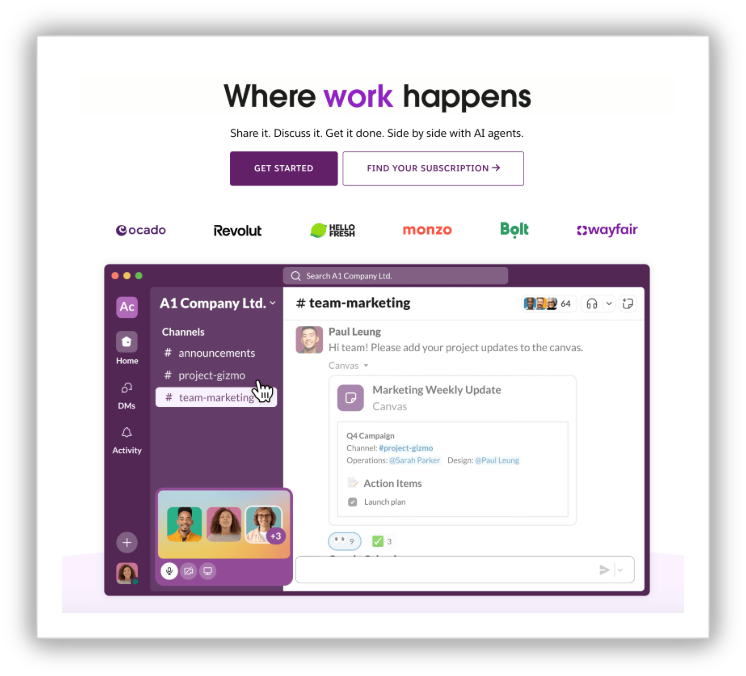
The platform is light and intuitive, making the learning curve minimal. Unlike Zoho and Microsoft, Slack doesn't have its own software ecosystem.
Pricing
Slack comes with four different plans for businesses.
Free plan
Pro: $7.25/user/month when billed annually
Business+: $15/user/month when billed annually
Enterprise+: Contact sales for pricing
Having an internal communication tool reduces friction between teams, whether they're working together or remotely. But a chat tool doesn't complete the collaboration picture, especially when teams want to discuss and solve problems together. For that, you'll need video meeting tools.
Video meeting tools
Meetings are essential for processes like planning, updating progress, or brainstorming. Tools like Zoho Meeting, Google Meet, and Zoom help teams stay connected in real time and ensure they're on the same page.
Zoho Meeting
Zoho Meeting is an advanced online video meeting solution that's suitable for businesses of all sizes. With features for video meetings, webinar hosting, virtual meeting rooms, screen sharing, and more, the platform is an ideal fit for startups looking to build their collaboration tech stack.

Seamlessly integrate it with other Zoho applications and even third-party apps. With security features like end-to-end encryption, GDPR compliance, and more, Zoho Meeting is a perfect choice for startups.
Pricing
Free plan
Standard: $1/host/month, billed annually
Professional: $3/host/month, billed annually
Zoom
A popular video conferencing platform, Zoom is reliable and comes with all the features needed for businesses to host everyday meetings.
Pricing
Zoom offers four plans for businesses.
Free plan
Pro: $13.33/user/month when billed annually
Business: $18.33/user/month, billed annually
Enterprise: Contact sales for pricing
Google Meet
This video conferencing platform needs no introduction. Google Meet is used by many individuals and small businesses due to its popularity, easy-to-use interface, and familiarity.

This platform is perfect for startups for their everyday meetings, but as they scale up, they'll need to be a part of the Google Workplace.
Pricing
Google Workplace comes with multiple pricing plans for businesses.
Free plan
Starter: $7/user/month when billed annually
Standard: $14/user/month when billed annually
Plus: $22/user/month when billed annually
Enterprise Plus: $35/user/month when billed annually
While meeting tools help teams stay connected in real time, there are downsides, too. Endless talking doesn't mean there's always clarity at the end. All the brainstorming and action items that were decided on during the call disappear once it's over. That's why startups need project management tools.
Project management
Once action items are decided, they need to move into execution—but before that, there needs to be structure. Project management software brings structure and a sense of accountability to startup teams. It also gives clear insights to teams about work items, deadlines, and project progress.
Let's look at some of the best project management tools for startups.
Zoho Projects
Zoho Projects, catering to over 200,000 businesses worldwide, is suitable for businesses of all sizes. The platform is user friendly, the learning curve is minimal, and it's fully customizable to suit your business needs.
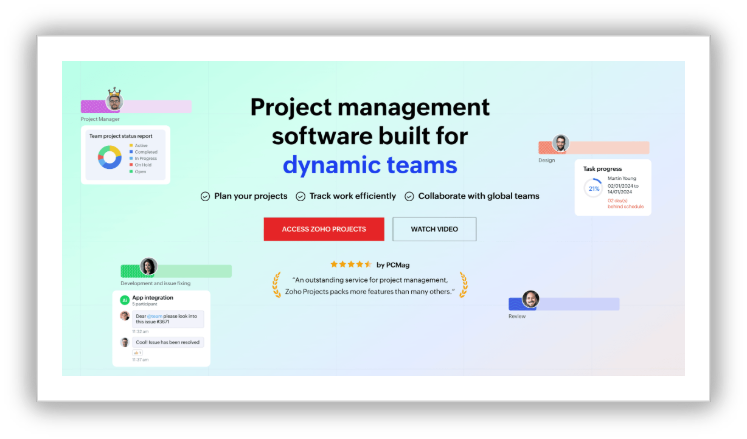
Zoho Projects supports synchronous and asynchronous collaboration and has a mobile application, enabling teams to stay updated on the go. Tight integrations with other Zoho apps make it an ideal choice for startups that need detailed project planning capabilities.
Pricing
Zoho Projects comes with four plans to suit businesses of all sizes.
Free plan
Premium: $4/user/month when billed annually
Enterprise: $9/user/month when billed annually
Projects Plus: Contact sales for pricing
Jira
Jira is project management software specifically built for software teams, and it's suitable for teams of all sizes.
The platform supports both synchronous and asynchronous collaboration, ensuring teams stay aligned. Teams can run sprints, manage backlogs, collaborate with comments, and even run automations. Jira comes with strong integration with Github, GitLab, Confluence, and more.
Pricing
Free plan: Free forever for 10 users
Standard: $9.05/user/month
Premium: $18.30/user/month
Enterprise: Contact sales for pricing
The more users you onboard, the lower your per-seat cost becomes.
Trello
Trello was launched in 2011 and is one of the top project management tools for startups. It's widely known for its Kanban board style, and the drag-and-drop interface makes it easy for teams to quickly start working.
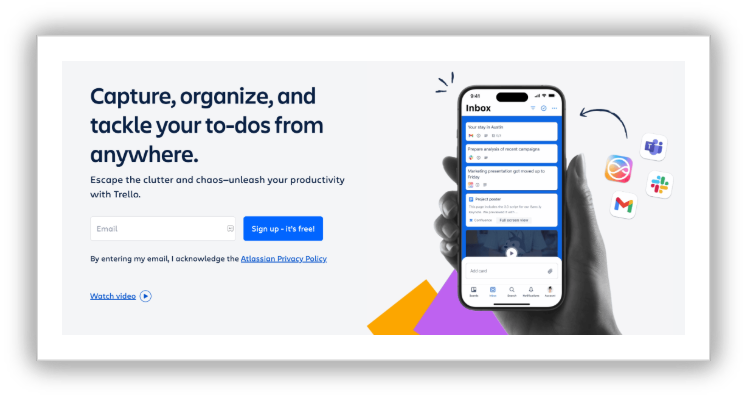
The free version comes packed with features and is ideal for startups looking to build their collaboration tech stack on a budget.
Pricing
Trello offers four different pricing plans for businesses.
Free plan
Standard: $5/user/month when billed annually
Premium: $10/user/month when billed annually
Enterprise: $17.50/user/month when billed annually
While project management tools are a good place to put down action items, they don't allow teams to get together and have those unstructured brainstorming sessions. That's where the visual element comes in—especially when your teams are working remotely.
Visual collaboration platforms
Modern startups—with a variety of in-office, remote, and hybrid work—find it hard to collaborate, especially when they want to brainstorm visually, draw workflows, or create strategies together.
This is where visual collaboration comes in. When teams can see the same thing, at the same time, in the same space, communication and execution become fast and efficient, making real-time visual collaboration the key to modern work.
Here are some of the best visual collaboration platforms.
Vani
Vani is an intelligent visual-first collaboration platform that enables teams to brainstorm, plan, and innovate together. The platform offers numerous visualization, collaboration, and execution features.
Some of the key features of Vani are an infinite shared canvas, built-in video calling, connected databases, workflow builder, ready-to-use templates, Kits, and more.
Vani is AI powered, allowing teams to generate mind maps, flowcharts, and content on the go. Vani's AI also allows you to summarize visual elements from one area or the entire canvas, if needed.
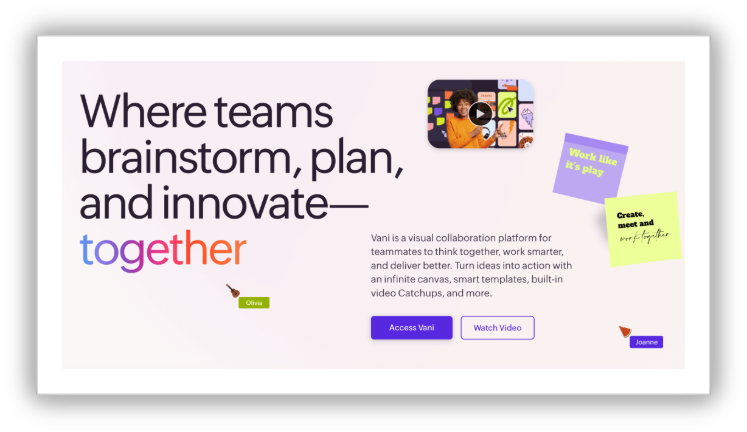
Vani is Zoho's latest brand, and it comes with tight integration between the Zoho ecosystem and third-party applications. Launched at the beginning of October, Vani is already one of the best visual collaboration platforms for startups, thanks to its rich features, a promising roadmap, and its low pricing tiers.
Pricing
Vani comes with two plans.
Free plan
Team: $4/user/month when billed annually
A business plan will be rolled out soon.
Miro
Miro, for a long time, has been the first tool that comes to mind when someone utters the words "mind maps" or "whiteboards." Miro is feature rich, has its own community where users can create and share their own templates, includes great integrations with third-party applications, and more.

Miro's free and basic plans comes with limitations like limited credits for AI usage and restrictions on the number of boards you can create. This can be a concern for startups working in a fast-paced environment.
Pricing
Miro offers four pricing plans for businesses.
Free plan
Starter: $8/user/month when billed annually
Business: $16/user/month when billed annually
Enterprise: Custom price
Mural
Mural positions themselves as a visual AI platform. Just like Vani, Mural comes with an interactive canvas, sticky notes, templates, diagrams, and more to assist teams during brainstorming.
While Mural is a great visual collaboration tool, the learning curve is steep and the pricing is higher.
Pricing
Free plan
Team+: $9.99/ user/month when billed annually
Business: $17.99/user/month when billed annually
Enterprise: Contact for pricing
Startups work in an environment where creativity, collaboration, and fast decision-making thrive. They need to stay in sync, work together, and get things done, no matter where they work from.
As the volume of creative files and essential documents grows, startups need the right file storage tools in their tech stack to stay organized.
File storage and collaboration platforms
Businesses, whether they're a startup or an enterprise, create and manage a huge volume of data. This data lives across different platforms, emails, chats, desktops, cloud storage apps, and more. But when teams need data at the most crucial moment, they end up searching endlessly. This is why businesses need centralized content storage and collaboration platforms. They empower hybrid work culture, improve teams' productivity, and enhance overall operational efficiency.
Below are some of the best file storage platforms.
Zoho WorkDrive
Zoho WorkDrive is an intelligent content management platform built for teams that work together. The platform makes it seamless for teams to share and collaborate on files, giving them a secure, shared workspace.
Zoho WorkDrive comes with a built-in office suite (Writer, Sheet, and Show). Teams can simply create a document, and it automatically gets stored in the respective folder. WorkDrive is also AI powered, assisting teams with file suggestions, file summarization, and even queries asked on a file (Zia Hubs).
Other features include enhanced security (role-based access permissions, secure external collaboration, and data loss prevention); the option to annotate images, edit PDFs, and add metadata to files; and more. The platform also comes with tight integrations in the Zoho ecosystem, making WorkDrive one of the best collaboration tools for startups.
Pricing
Free plan (for individuals)
Starter: $2.50 /user/month when billed annually
Business: $9/user/month when billed annually
Google Drive
Google Drive is an ideal cloud storage solution for startups if they're already running operations in the Google ecosystem. File sharing is seamless but lacks role-based permissions.
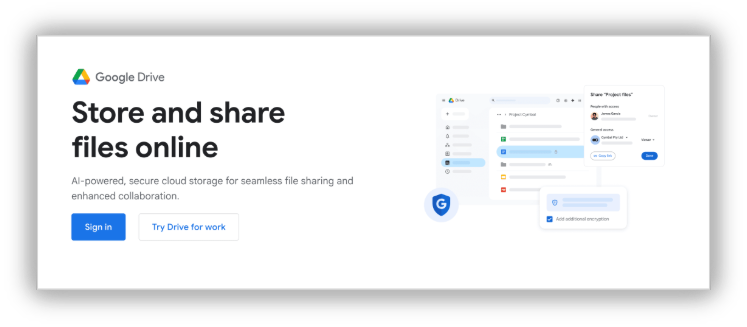
Like Zoho WorkDrive, Google has its own office suite and tight integrations in its ecosystem, including Calendar, Meet, and Gmail. Google's AI, Gemini, summarizes long documents, searches files and documents for you, and more.
Pricing
Google Drive storage pricing
Google Drive comes with free storage (personal use), offering 15 GB of storage shared across Google Drive, Gmail, and Google Photos.
Basic: $1.99/month for 100GB of storage
Google Workspace pricing
Business Starter: $7/user/month when billed monthly
Business Standard: $14/user/month when billed monthly
Business Plus: $22/user/month when billed monthly
Dropbox
Another popular and powerful cloud storage platform that simplifies file sharing for businesses, Dropbox has come a long way since its inception in 2008.
While Dropbox doesn't come with a built-in office suite, it seamlessly integrates with Google Workspace, Microsoft, Slack, and more, and it allows you to annotate PDFs and edit images. Its AI features allow you to find data stored across different apps, too.
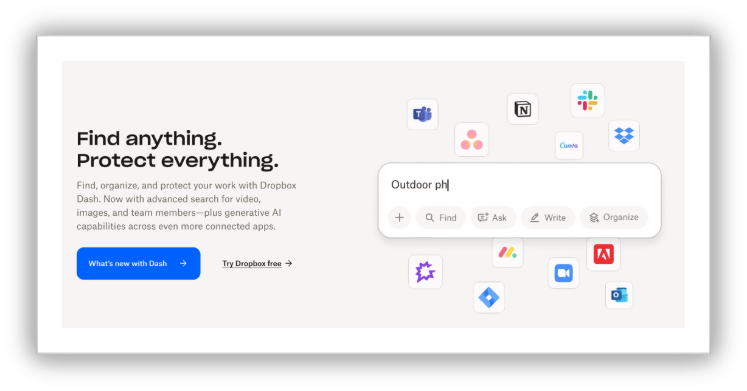
Dropbox is feature rich and robust.
Pricing
Free plan
Plus: $9.99/user/month when billed annually
Professional: $16.58/user/month when billed annually
Advanced: $24/user/month when billed annually
Common mistakes to avoid when choosing startup collaboration tools
You might be sure that you're choosing the right tool, but one small oversight can cost you time and money. Let's look at what mistakes startups tend to make when choosing collaboration tools and how to fix them.
Buying tools just because everyone uses them
Most startups end up choosing legacy tools and paying a high premium without evaluating whether the tools fit their needs and solve their pain points.
Before choosing a tool, ask questions like:
Why do we need this tool?
What problems do we expect the software to solve?
What is expected out of the tool?
Which features are mandatory, and which can be compromised on?
Just because everyone is using a tool doesn't mean it's the right fit for your startup. Figure out what would work best for your startup by evaluating it thoroughly.
Stacking multiple tools
One mistake most startups unknowingly make is purchasing a tool for every small need.
If you're a startup in its early phase and you need to collaborate externally with clients over video meetings, make use of free video conferencing software. You don't have to purchase it immediately—you can stall until you need to scale.
For internal communication, tools like Cliq, MS Teams, and Vani come with built-in video calling features.
Think twice before adding another tool to your tech stack. See if your existing tools fit the bill or if there are any free versions of tools you can use.
Overlooking integrations
When your tools don't talk to each other, data lives siloed. Ensure your tools integrate with third-party apps and that information flows seamlessly across applications.
Choose collaboration software that comes from an ecosystem. For instance, Zoho, Microsoft, and Google have their own ecosystem of apps that integrate with each other.
Understand the total cost of ownership
Free versions can be attractive at the beginning, but you should understand how they'll pan out in the long term. As your teams grow, you'll need to switch to paid versions, and before you know it, the bills will start piling up.
Do a 12–24 month realistic calculation of how much you'll have to spend as your team grows.
Not taking security seriously
At the beginning, it might not seem important, but as you scale and data becomes more sensitive, you'll understand how important security is. At that point, switching to a different software and migrating all your data can be tedious.
Before choosing a startup collaboration tool, ensure it has robust security features like encryption, global compliance and standards, and MFA. Letting your customers know that you take data privacy seriously makes a big difference when they evaluate your products or services.
Final thoughts
Building a collaboration tech stack is one of the best investments startups can make in their early stages. While the wrong tools can cost time, money, and friction, the right tools can bring clarity to the process, speed up work, and make your startup function efficiently.
Start with a communication tool, a file storage platform, project management software, and a visual collaboration tool that connects everything.
Cheers to your startup journey!