
Free Online Concept Map Maker
Concepts are ideas that have relationships and logic that tie them together. With concept maps in Vani, connect the pieces and see how they fit together to form a bigger picture.
Try concept mapping in Vani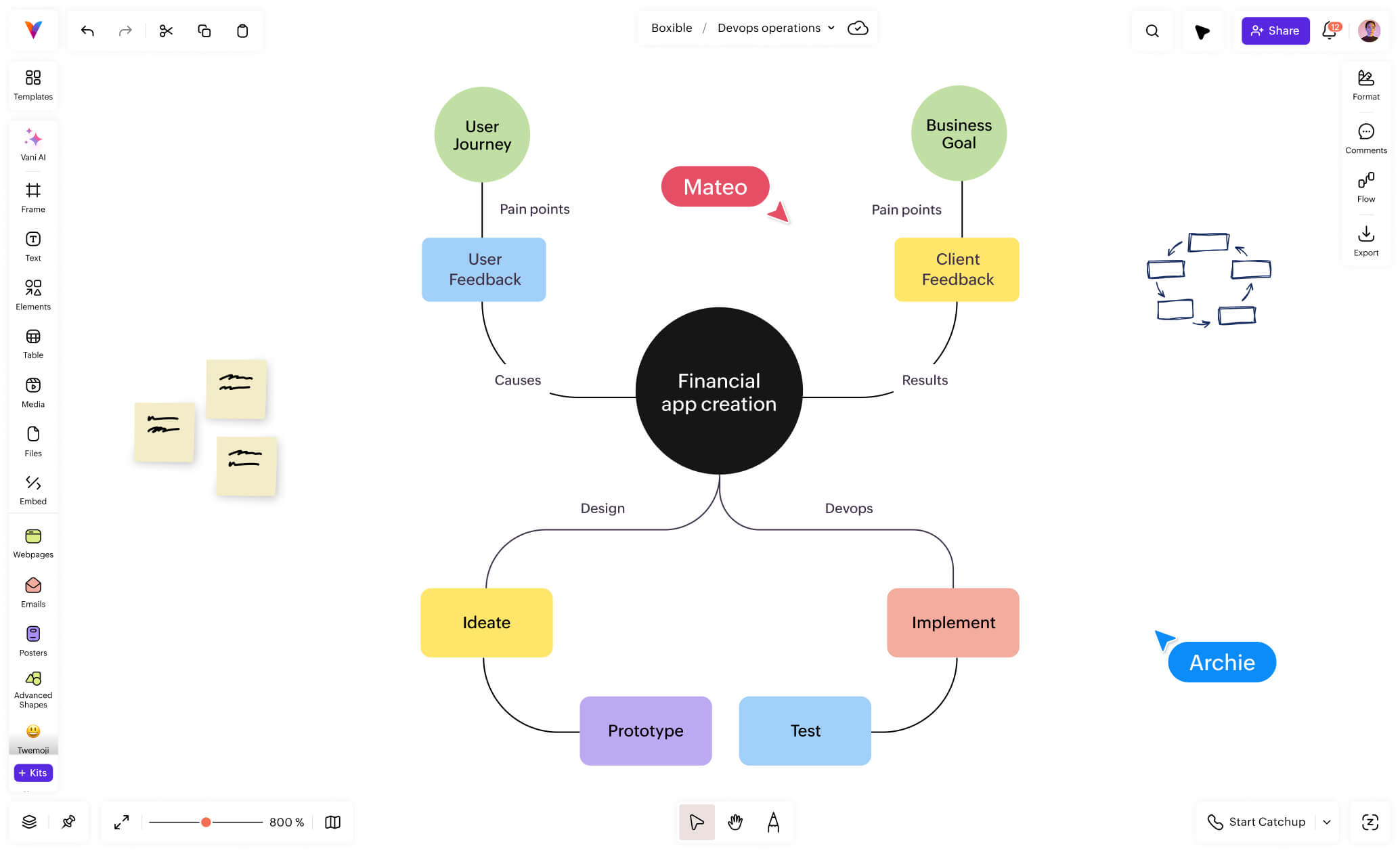
Map concepts, link connections, and solve together
Every concept map starts with one idea, but what matters is how quickly everything around it begins to make sense. Add the related points, group what fits together, and draw the connections that give your map meaning. With each link and cross-link, the relationships become clearer, and the bigger picture comes into focus.

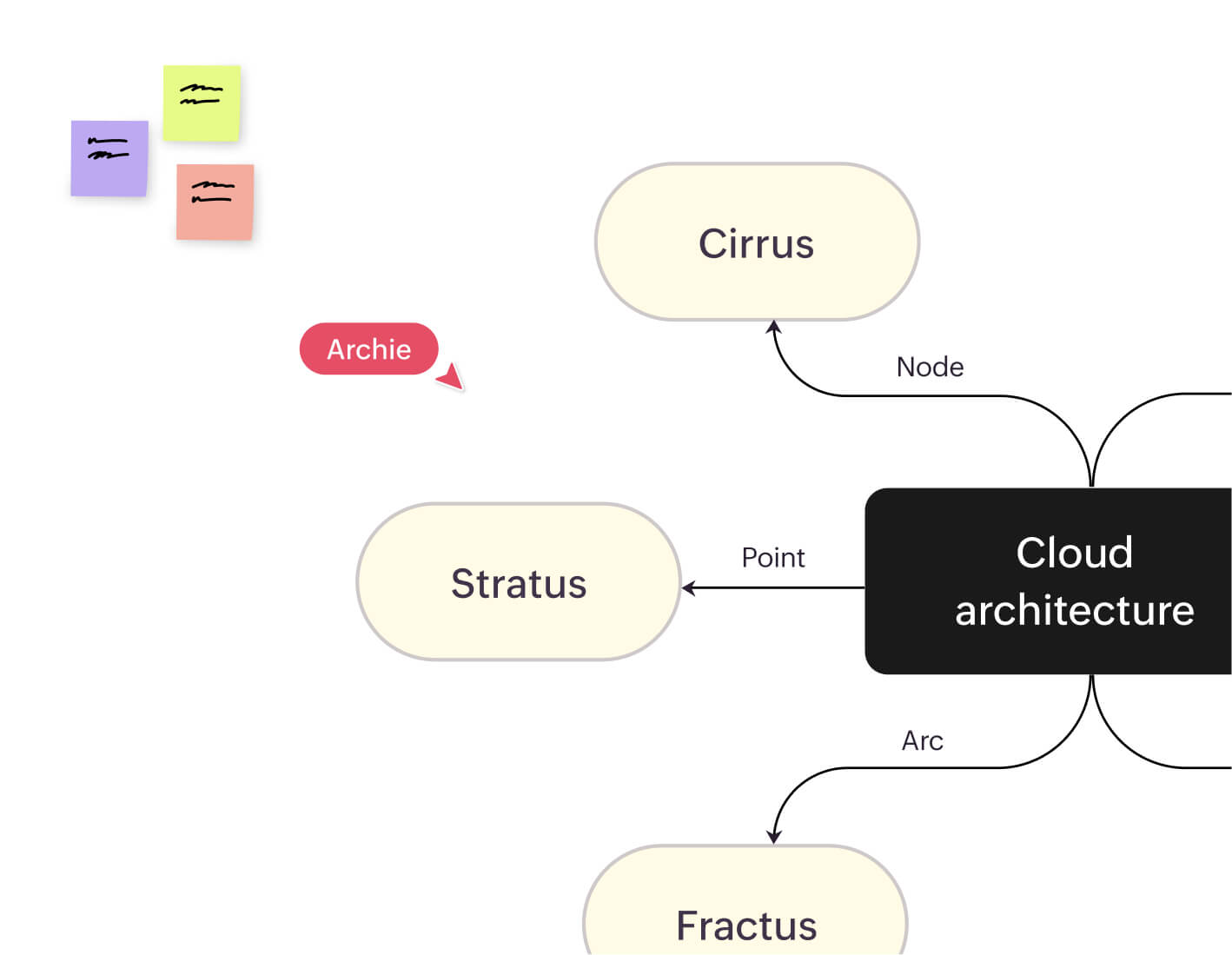
Why build from scratch when you can start with a structure that already works? Bring in your maps from Jamboard, Miro, or Visio or open a template to give your thinking an instant boost.

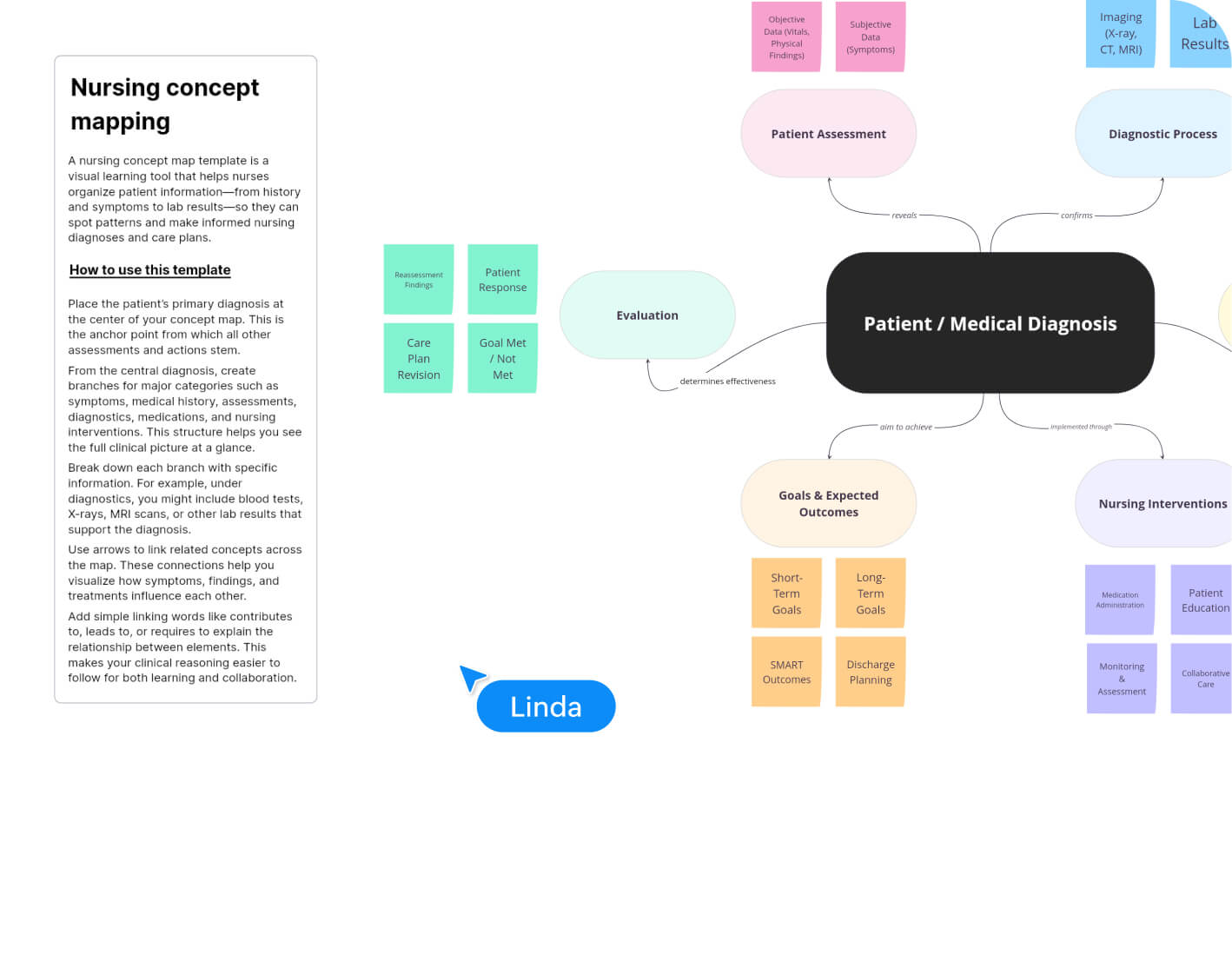
Work together in one shared space by adding notes, dropping comments, meeting virtually, shaping clusters, and refining the flow as a team. Every contribution moves the map forward, helping everyone see the same picture and make decisions with confidence.

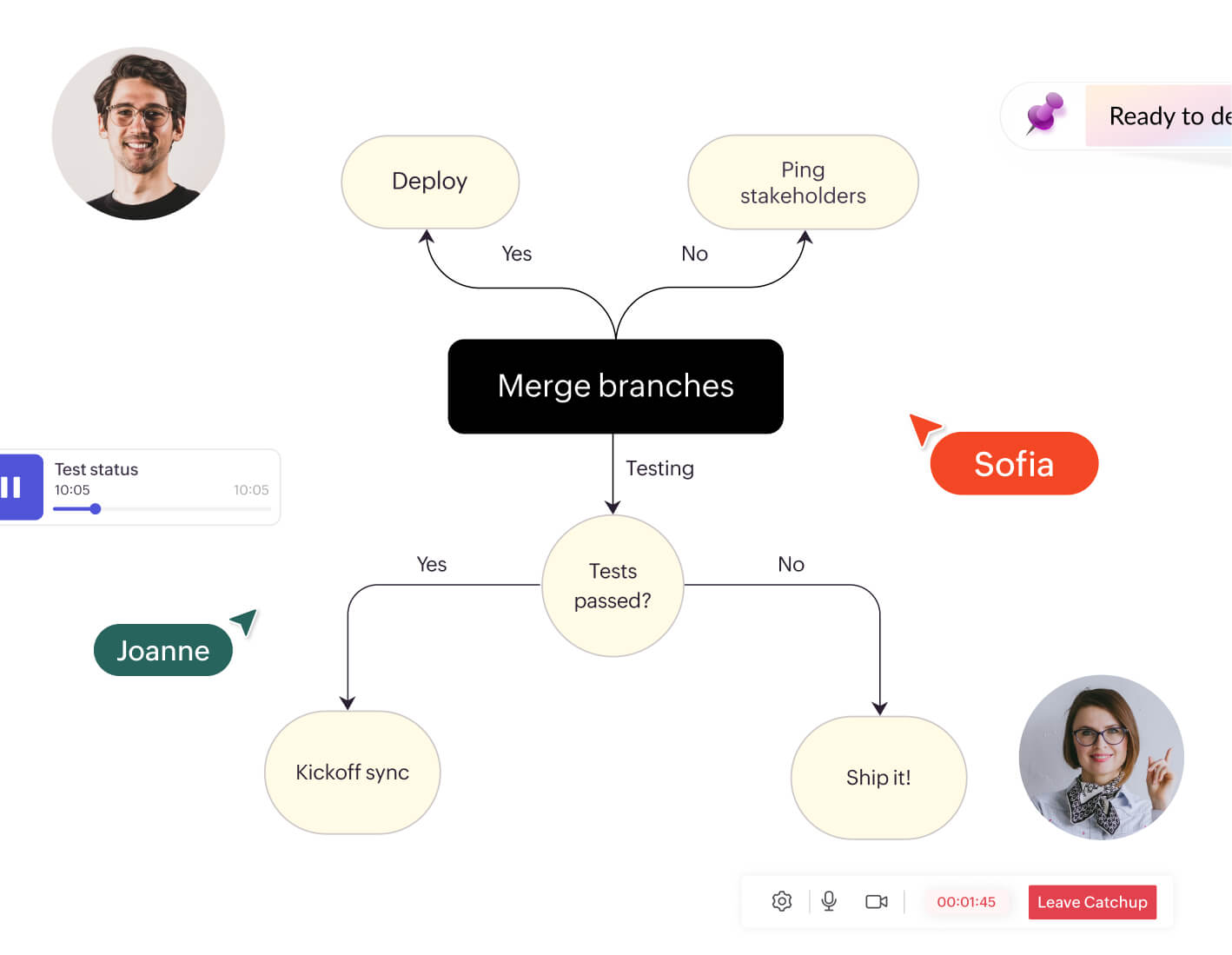
How to create a concept map in Vani
Launch Vani's whiteboard
Create a new space to start your concept or import an existing board.
Start with the main concept
Add your central idea to the canvas using a rectangle shape.
Add sub-concepts
Brainstorm related ideas with your team and group them into meaningful themes.
Connect the concepts
Use arrows and linking words to show relationships between ideas.
Refine and add cross-links
Review the map together, identify gaps, and create cross-links to build deeper connections.
FAQ
- Mind map: Focuses on a single idea with branches radiating outward, typically using a free-flowing structure.
- Concept map: Shows hierarchical relationships among multiple concepts, using linking words to explain connections logically.
- Concepts (usually in boxes or circles)
- Linking words or phrases
- Connections (lines or arrows)
- Hierarchical structure (from general to specific)